How to Start a Career in IT Certifications: 8 Practical Steps for Beginners
Starting a career in Information Technology (IT) can feel overwhelming, especially with the number of certifications, tools, and career paths available today. If you’re a beginner or someone looking to switch careers into IT, certifications can be a powerful way to build knowledge, credibility, and job readiness.
This guide breaks down how to start a career in IT certifications in a clear, practical, step-by-step way, without the confusion or hype that usually surrounds this topic. It starts with choosing the right fundamentals and learning path, not the most advanced exam you can find.
Learn more about our learning philosophy on the About TechCertGuide.
Why IT Certifications Matter
Knowing how to start a career in IT certifications begins with understanding why they matter to employers. IT certifications help validate your skills and show employers that you understand specific technologies or concepts. For beginners, certifications offer three major benefits:
- Structured learning – You know exactly what to study
- Career direction – Certifications align with job roles
- Better opportunities – They improve resume visibility
While certifications alone won’t guarantee a job, they significantly improve your chances when combined with hands-on practice.
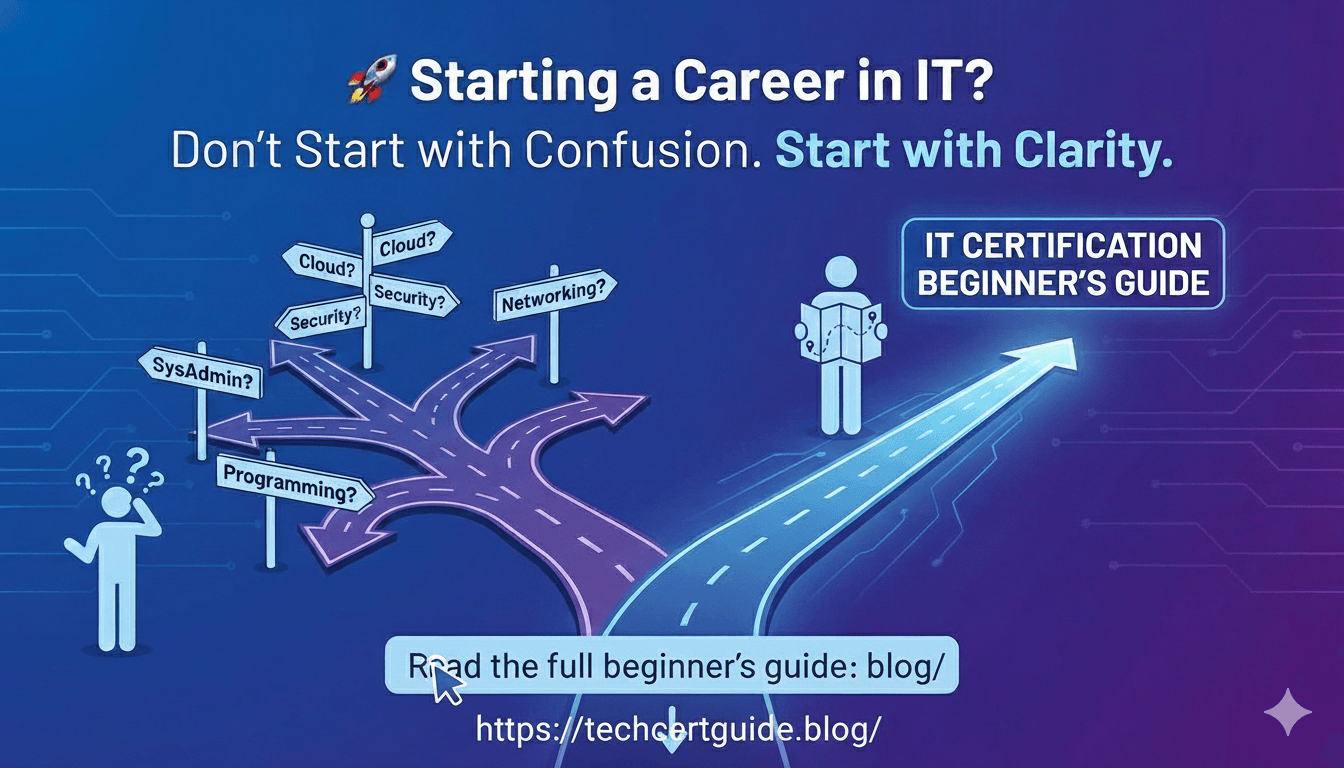
Step 1: Understand the Major IT Career Paths
If you’re wondering how to start a career in IT certifications, the first step is understanding these career paths. Before choosing any certification, it’s important to understand the main IT domains. Some common entry-level paths include:
- IT Support / System Administration
- Cloud Computing
- Cybersecurity
- Networking
- Identity & Access Management
- Compliance & Governance
Each path requires a different set of skills. Choosing the right path early helps you avoid wasting time and money on irrelevant certifications.
Step 2: Start with Fundamentals (Don’t Skip This)
Many beginners make the mistake of jumping directly into advanced certifications. This often leads to frustration and failure.
Instead, start with fundamental certifications that explain core concepts:
- What is cloud computing?
- What is identity and authentication?
- How do networks and systems work?
- What is security and compliance?
Fundamentals help you build confidence and clarity, even if you don’t have prior IT experience.
Step 3: Choose Beginner-Friendly Certifications
If you are just starting out, focus on entry-level certifications designed for beginners.
Some popular beginner-friendly certifications include:
- AZ-900 (Microsoft Azure Fundamentals) – cloud concepts
- SC-900 (Security, Compliance, and Identity Fundamentals) – our recommended starting point for security and identity concepts
- MS-900 (Microsoft 365 Fundamentals) – productivity and collaboration concepts
These certifications are:
- Non-technical or lightly technical
- Concept-focused
- Designed for students and career switchers
They help you understand terminology and real-world usage without deep technical complexity.
Step 4: Match Certifications to Career Goals
One of the most important steps is aligning certifications with your career goal, not trends.
Ask yourself:
- Do I want to work in the cloud?
- Am I interested in security and compliance?
- Do I prefer support and administration roles?
Once your direction is clear, certifications become easier to choose.
For example:
- Cloud-focused learners often start with AZ-900
- Security-focused learners typically start with SC-900
- Support and administration-focused learners tend to progress toward MS-102 (Microsoft 365 Administrator) after a fundamentals certification
There is no “one-size-fits-all” certification.
Certification Comparison at a Glance
Here’s a quick side-by-side look at the beginner-friendly certifications mentioned above:
| Certification | Best For | Difficulty | Estimated Study Time | Career Path |
|---|---|---|---|---|
| AZ-900 – Azure Fundamentals | Anyone new to cloud computing | Beginner | 2–4 weeks | Cloud / Azure roles |
| SC-900 – Security, Compliance & Identity Fundamentals | Beginners interested in security or compliance | Beginner | 2–4 weeks | Security & Identity roles |
| MS-900 – Microsoft 365 Fundamentals | Beginners interested in productivity & collaboration tools | Beginner | 2–3 weeks | Microsoft 365 support roles |
| MS-102 – Microsoft 365 Administrator | Learners ready to move from fundamentals into hands-on admin | Intermediate | 4–8 weeks | Microsoft 365 Administrator |
| MD-102 – Endpoint Administrator | Support/desktop professionals managing devices | Intermediate | 4–6 weeks | Endpoint / Device Administration |
Study times assume part-time preparation and no prior experience with the topic. Your own pace may vary.
Step 5: Build Hands-On Skills Alongside Certifications
Certifications should never be studied in isolation.
To truly grow in IT:
- Practice what you learn
- Use labs, demos, or free-tier tools
- Explore real-world scenarios
Hands-on learning helps you:
- Understand concepts better
- Retain knowledge longer
- Perform better in interviews
Even basic practice makes a big difference at the beginner stage.
In my own experience mentoring beginners moving into Microsoft 365 and security roles, the ones who spin up a free Microsoft 365 or Azure trial tenant while studying almost always retain the concepts longer than those who only read theory. A single working example tends to stick better than a dozen practice questions.
Step 6: Create a Learning Roadmap (Simple One)
A simple beginner roadmap could look like this:
- Learn IT and cloud basics
- Complete one fundamentals certification
- Practice with basic labs or demos
- Choose a specialization (cloud, security, admin)
- Move to a role-based certification, such as MD-102, SC-200, or AZ-104
Certification path at a glance:
SC-900 ↓ MS-102 ↓ MD-102 / SC-200 / AZ-104
This approach keeps learning focused and stress-free.
Step 7: Avoid Common Beginner Mistakes
Many beginners struggle because of avoidable mistakes:
- Chasing too many certifications at once
- Choosing advanced certifications too early
- Studying only theory without practice
- Expecting instant job offers
IT careers are a long-term journey, not a shortcut.
Consistency matters more than speed.
Step 8: Certifications vs Experience – The Truth
Certifications do not replace experience, but they help you gain entry-level opportunities.
Think of certifications as:
- A door opener
- A learning framework
- A confidence builder
Pair certifications with:
- Projects
- Labs
- Continuous learning
This combination is what employers truly value.
If you want to see how these certifications connect into a full progression, explore our Microsoft Certification Roadmap.
Who Should Start with IT Certifications?
Wondering how to start a career in IT certifications and who it’s for? IT certifications are ideal for:
- Students and fresh graduates
- Career switchers from non-IT backgrounds
- Professionals wanting structured learning
- Anyone serious about building IT fundamentals
You don’t need to be a “tech expert” to begin.
Frequently Asked Questions
Which certification should I start with?
This is one of the most common questions about how to start a career in IT certifications. If you’re completely new to IT, start with a fundamentals-level certification such as SC-900 or AZ-900. Both are beginner-friendly and don’t require a technical background.
Do I need previous IT experience?
No. Fundamentals-level certifications like AZ-900, SC-900, and MS-900 are built for complete beginners. Experience helps, but it isn’t required to get started.
How much do Microsoft certification exams cost?
Fundamentals exams such as AZ-900, SC-900, and MS-900 typically cost around $99 USD, while associate-level exams such as MS-102 typically cost around $165 USD. Pricing varies by country, so always confirm the current price when you schedule your exam.
How long should I study?
Most beginners spend around 2–4 weeks preparing for a fundamentals certification with part-time study, and 4–8 weeks for an associate-level certification, depending on prior experience.
Which certification should I take after SC-900?
SC-900 pairs naturally with MS-102 if you want to move into Microsoft 365 administration, or with more specialized security certifications later on if you want to focus on identity or security operations.
Final Thoughts
Knowing how to start a career in IT certifications doesn’t require deep technical knowledge or years of experience. What it requires is clarity, patience, and consistent effort.
Begin with fundamentals, choose certifications aligned with your goals, practice regularly, and grow step by step. Over time, certifications combined with hands-on skills can open doors to exciting IT opportunities.
Your IT journey doesn’t have to be complicated; it just needs to be intentional.
Official platforms such as Microsoft Learn provide free, beginner-friendly IT training resources.