Complete MD-102 Study Roadmap: 85 Topics from Beginner to Exam Ready
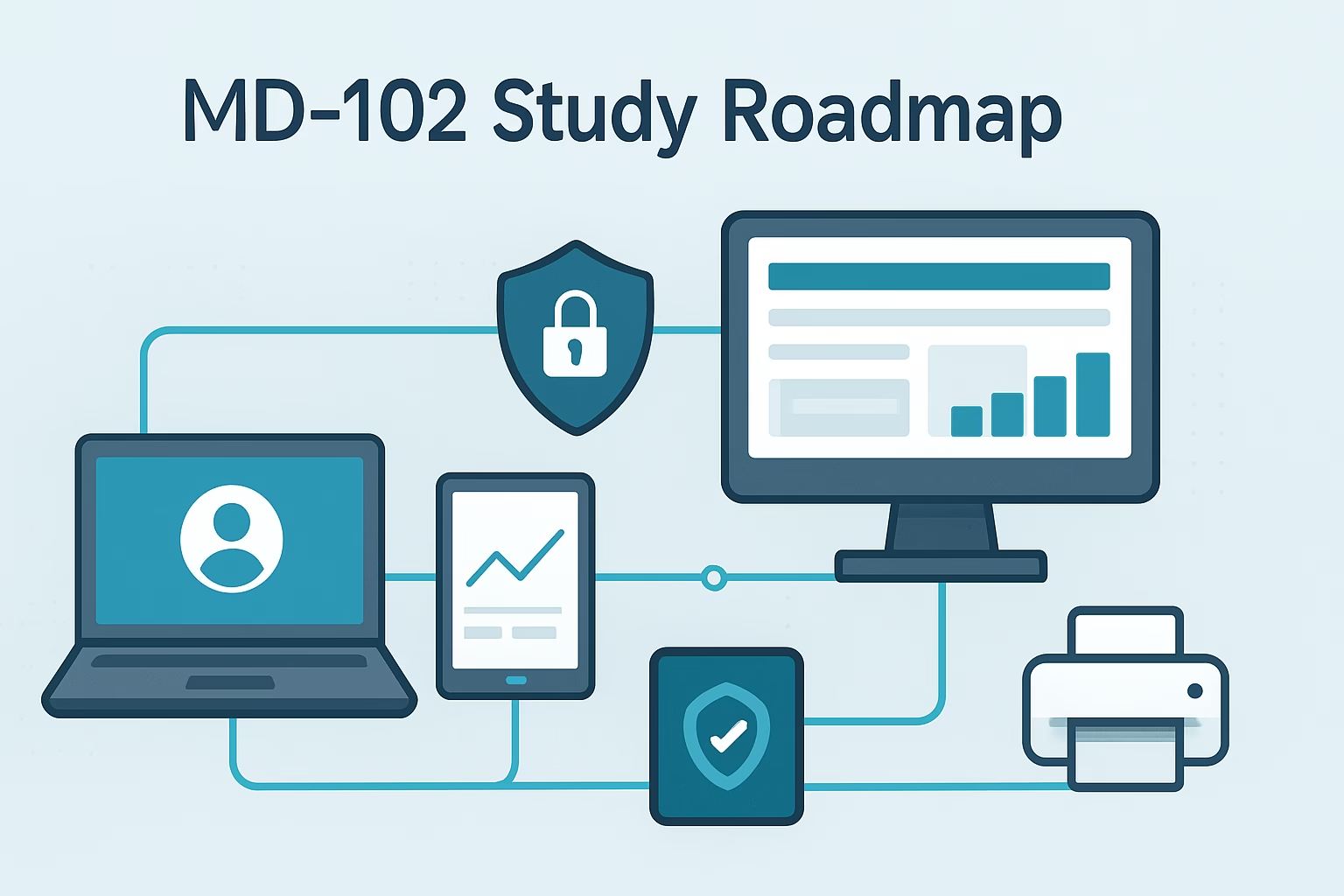
The md-102 study roadmap is a carefully designed, all-encompassing guide aimed at empowering Microsoft 365 Administrators and IT Professionals to excel in the MD-102 certification exam. This certification validates the skills required to deploy, configure, and manage modern desktops and devices in Microsoft 365 environments, a crucial ability for IT pros managing today’s enterprise infrastructure. ...
Read the full article Why MD-102 Is the Perfect Next Certification After MS-102
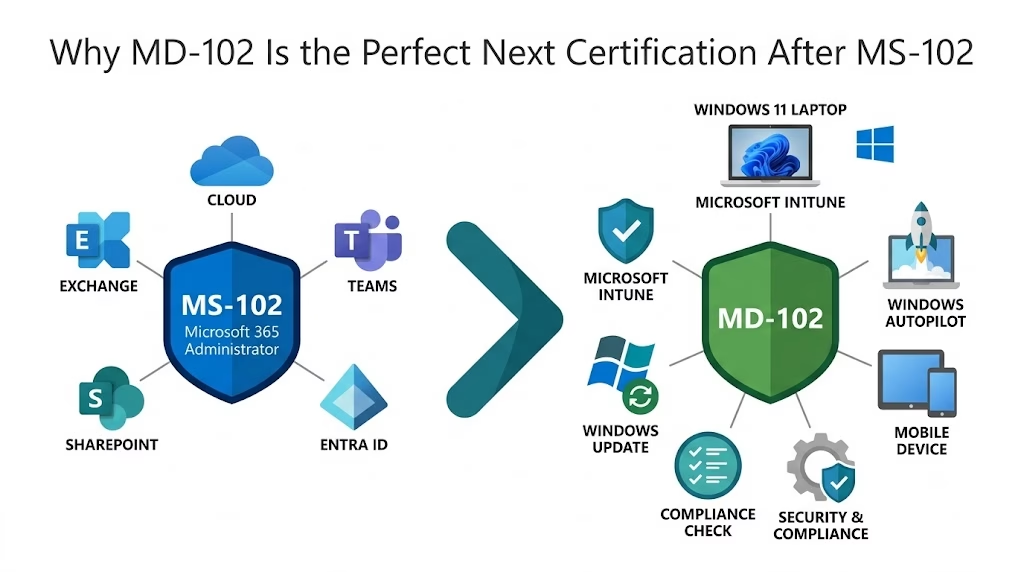
Table of Contents Toggle Introduction What is the MD-102 Certification? Overview of Microsoft Endpoint Administrator Associate Role Key Skills and Competencies Validated by MD-102 Who Should Pursue This Certification? Why Choose the MD-102 Certification? Industry Relevance and Demand for Microsoft Endpoint Administrators Benefits for Career Advancement and Professional Growth Microsoft Endpoint Manager Ecosystem and Integration ...
Read the full article MS-102 Certification Complete: Your Next Microsoft Certification Journey
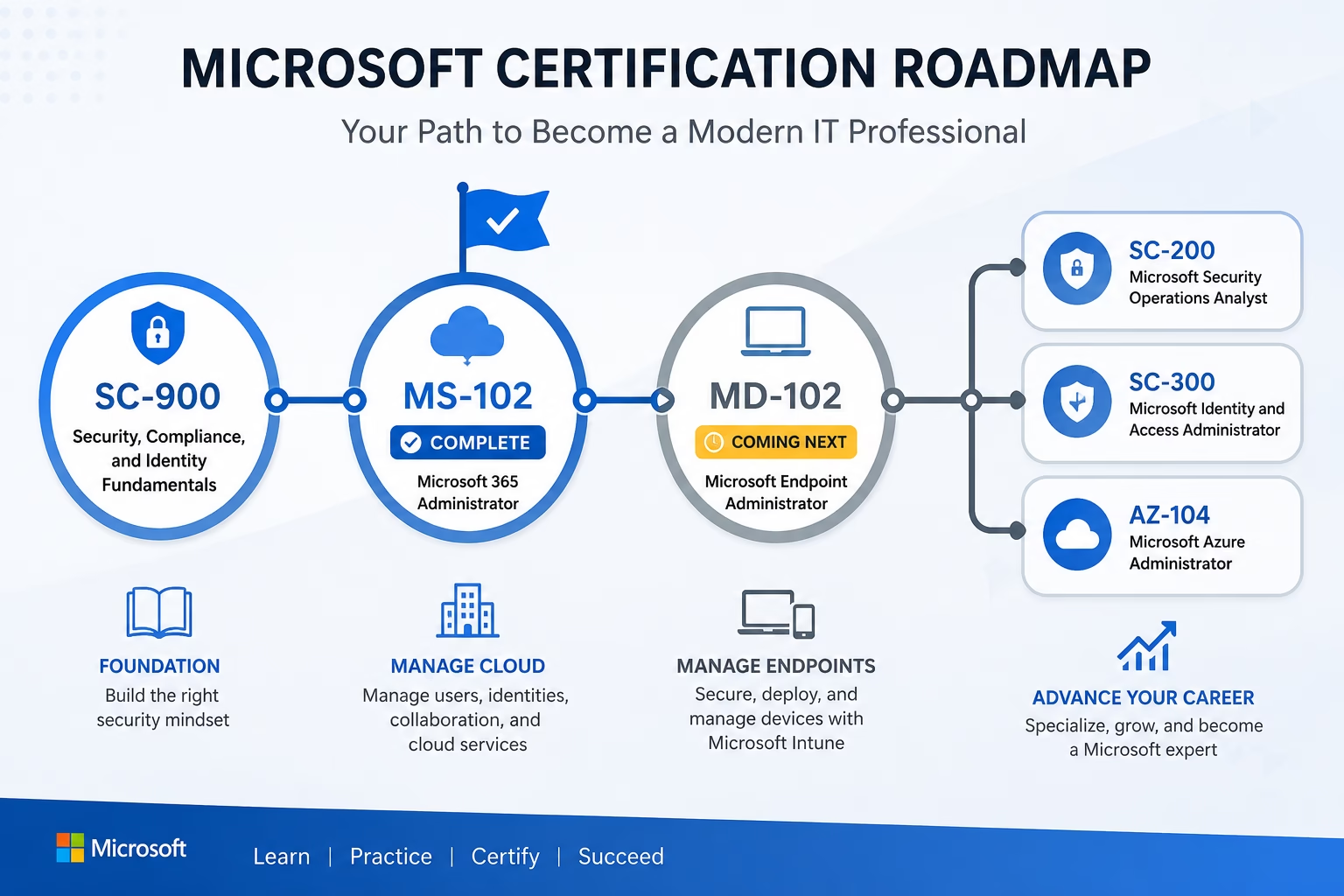
MS-102 Certification is more than just an exam—it’s an important milestone for Microsoft 365 administrators. Over the past several months, TechCertGuide has published a complete MS-102 Certification study series covering Microsoft Entra ID, Exchange Online, Microsoft Teams, SharePoint Online, Microsoft Defender, and Microsoft Purview. Today, I’m excited to announce that the MS-102 Certification series is ...
Read the full article Top 50 Microsoft 365 Administrator: MS-102 Interview Questions and Answers (2026)
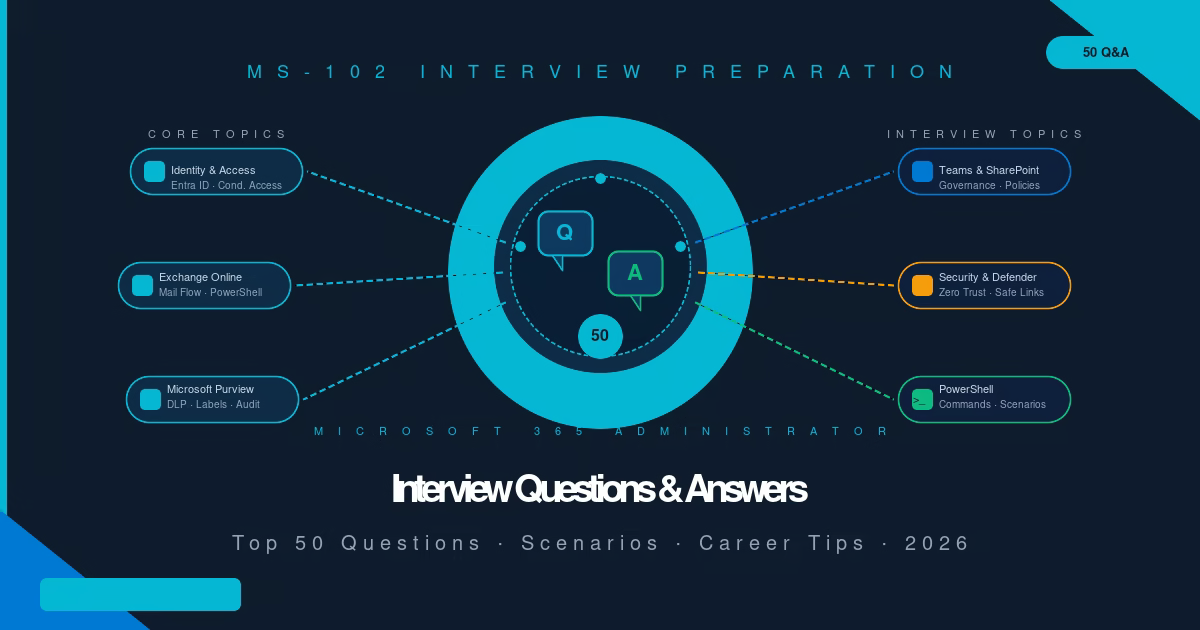
These MS-102 Interview Questions and answers will help you prepare with confidence. Passing the MS-102 certification proves you understand Microsoft 365 administration. Getting hired proves you can explain it under pressure, connect it to real-world problems, and demonstrate it with practical examples. This guide prepares you for both. Why MS-102 Interview Preparation Matters These MS-102 ...
Read the full article Ultimate MS-102 Exam Preparation Guide (2026): Proven Study Plan, Labs & Exam Tips
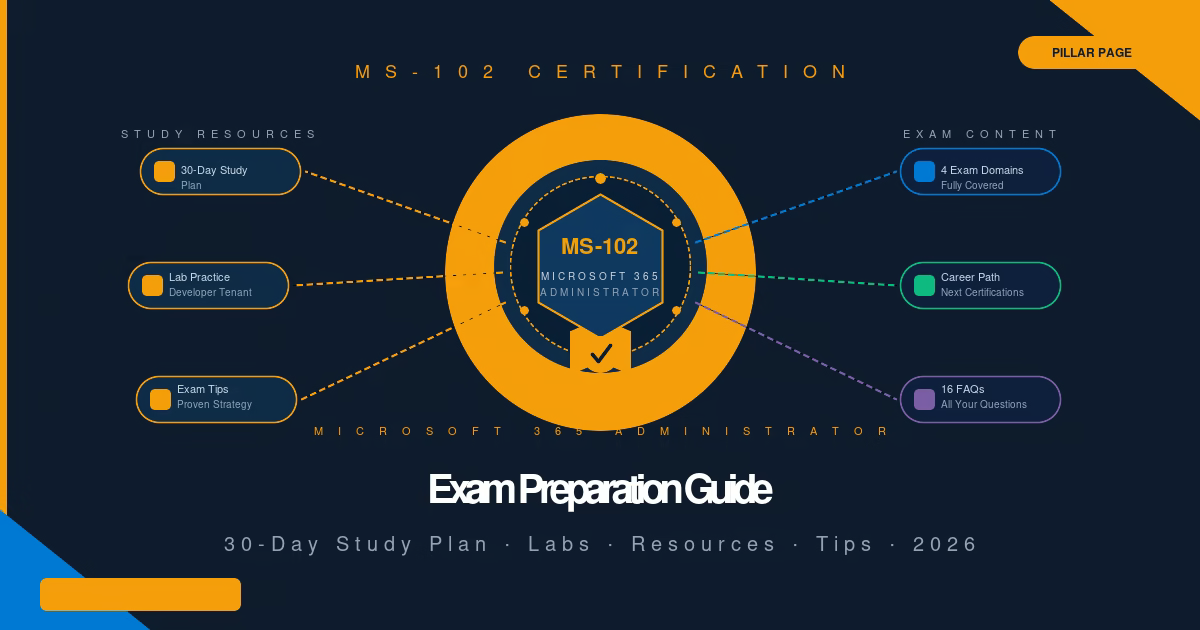
There is no shortcut to passing MS-102, but there is a proven path. This MS-102 exam preparation guide gives you the complete 30-day study plan, the lab practice list, the exam strategy, and links to every lab guide in the TechCertGuide MS-102 series. Everything you need, in one place. What Is the MS-102 Certification? Your ...
Read the full article Advanced Microsoft Purview: Proven Guide Beyond MS-102 (2026)
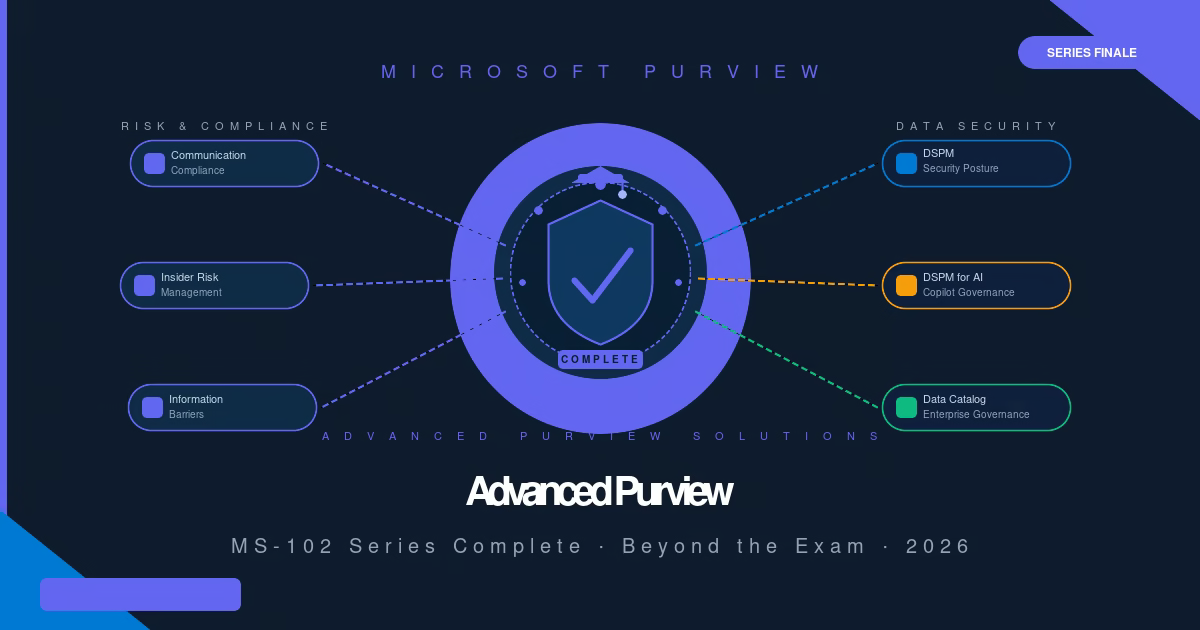
Congratulations. You have now completed all core Microsoft Purview topics required for the MS-102: Microsoft 365 Administrator certification: Information Protection, Sensitivity Labels, Retention Policies, Records Management, DLP, eDiscovery, Audit, Compliance Manager, and Adaptive Scopes. But Microsoft Purview is significantly larger than the MS-102 exam scope. In this guide, you’ll explore the advanced Microsoft Purview solutions ...
Read the full article Microsoft Purview Compliance Manager: Proven Lab (2026)
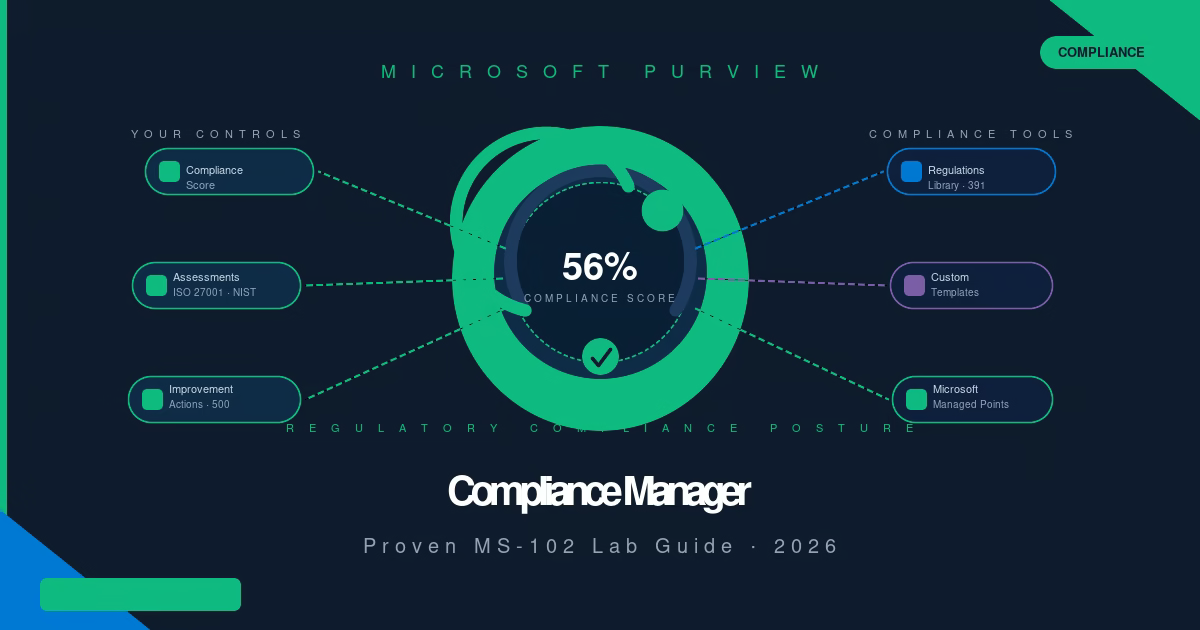
Your Microsoft 365 tenant is either compliant with ISO 27001, GDPR, or NIST right now, or it isn’t. Microsoft Purview Compliance Manager tells you exactly where you stand, what to fix, and how much each fix is worth. In this guide, you’ll explore Microsoft Purview Compliance Manager from the Overview dashboard through to building a ...
Read the full article Microsoft Purview Adaptive Scopes: Proven MS-102 Lab (2026)
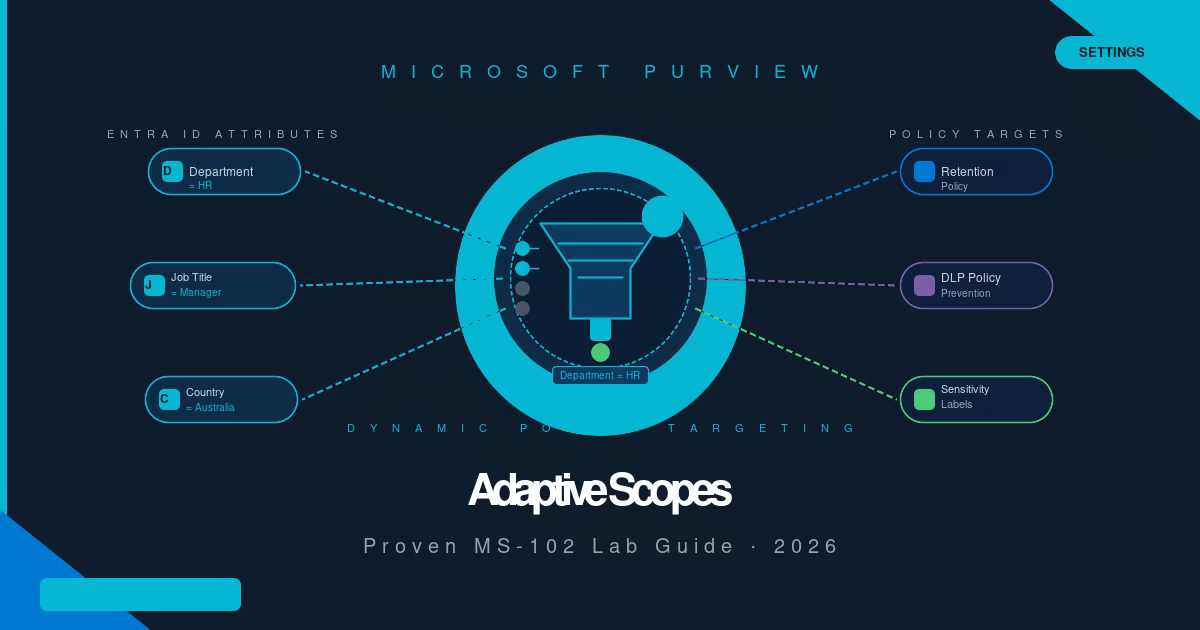
Every time someone joins or leaves your HR department, a static retention policy silently stops protecting them unless an admin remembers to update the list manually. Microsoft Purview adaptive scopes fix that. In this guide, you’ll create a Microsoft Purview adaptive scope that dynamically targets users based on their Microsoft Entra ID department attribute, with ...
Read the full article Microsoft Purview DLP Alerts: Proven MS-102 Lab (2026)
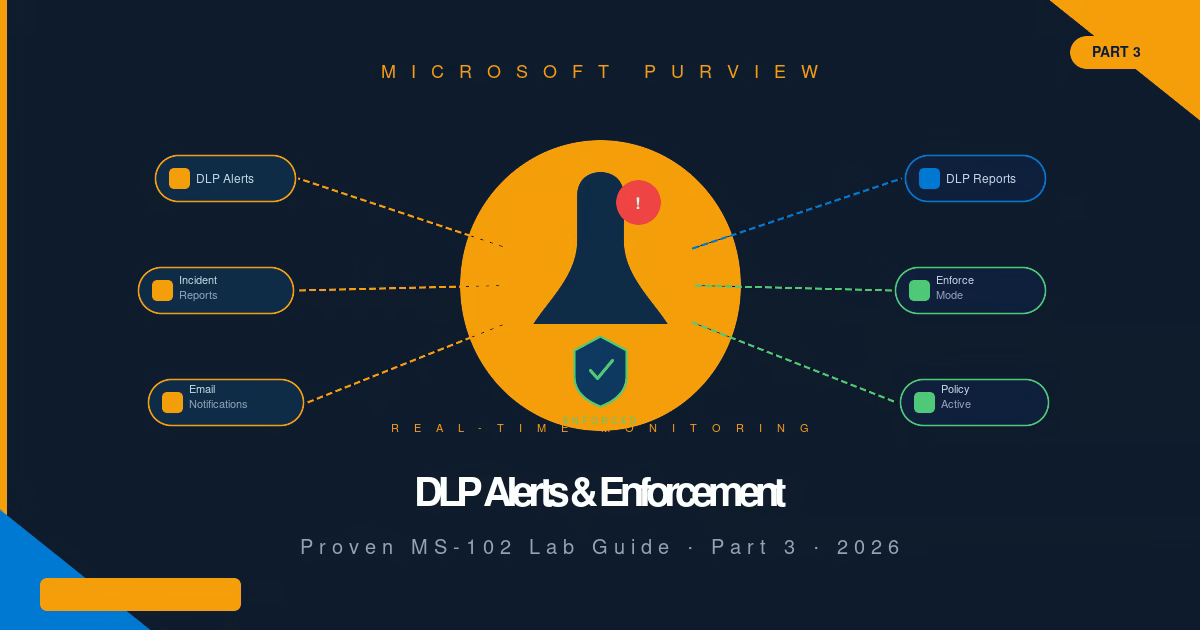
Most DLP policies run silently for weeks after deployment, and admins only discover misconfigurations when a user escalates a blocked email. Microsoft Purview DLP Alerts fix that. This lab originally covered alert configuration, DLP Reports, and switching from Simulation to Enforce mode for cloud workloads. It now also covers monitoring Endpoint DLP, reviewing endpoint events ...
Read the full article Custom Sensitive Information Types: Proven MS-102 Lab (2026)
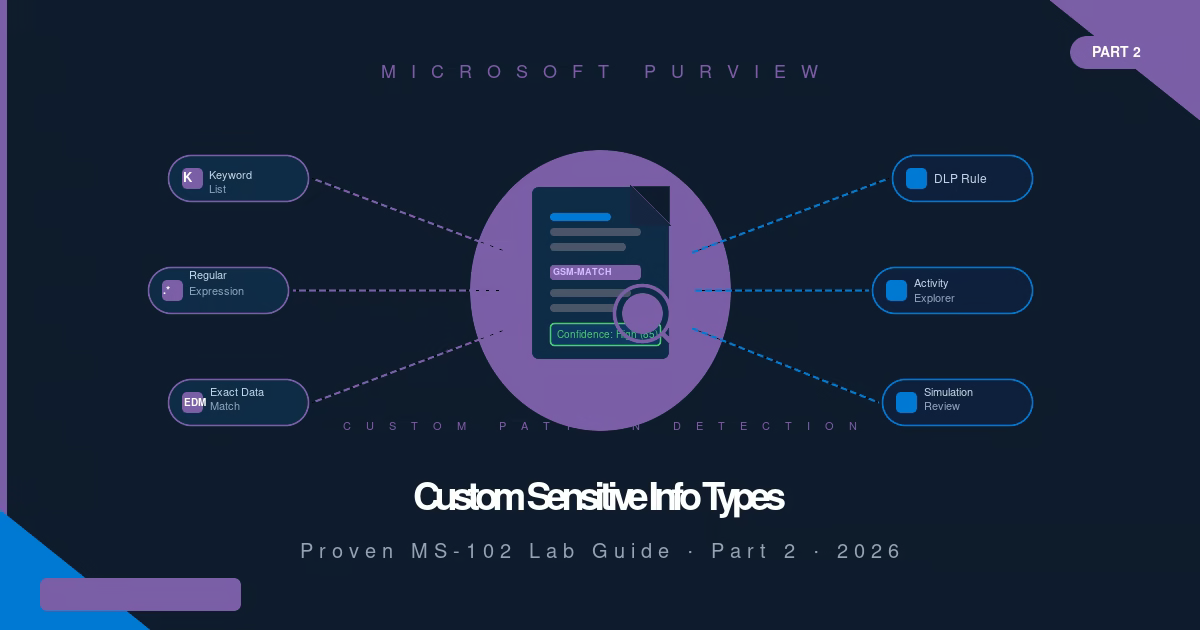
Microsoft provides 327 built-in Sensitive Information Types, but none of them know what a GSM number, internal project code, or your organization’s proprietary data format looks like. That’s where custom Sensitive Information Types come in. This lab originally covered custom SIT creation and cloud-workload detection through Activity Explorer. It now also covers Endpoint DLP, extending ...
Read the full article