Master Microsoft Entra Hybrid Identity Models (PHS vs PTA vs Federation) – Complete MS-102 Guide
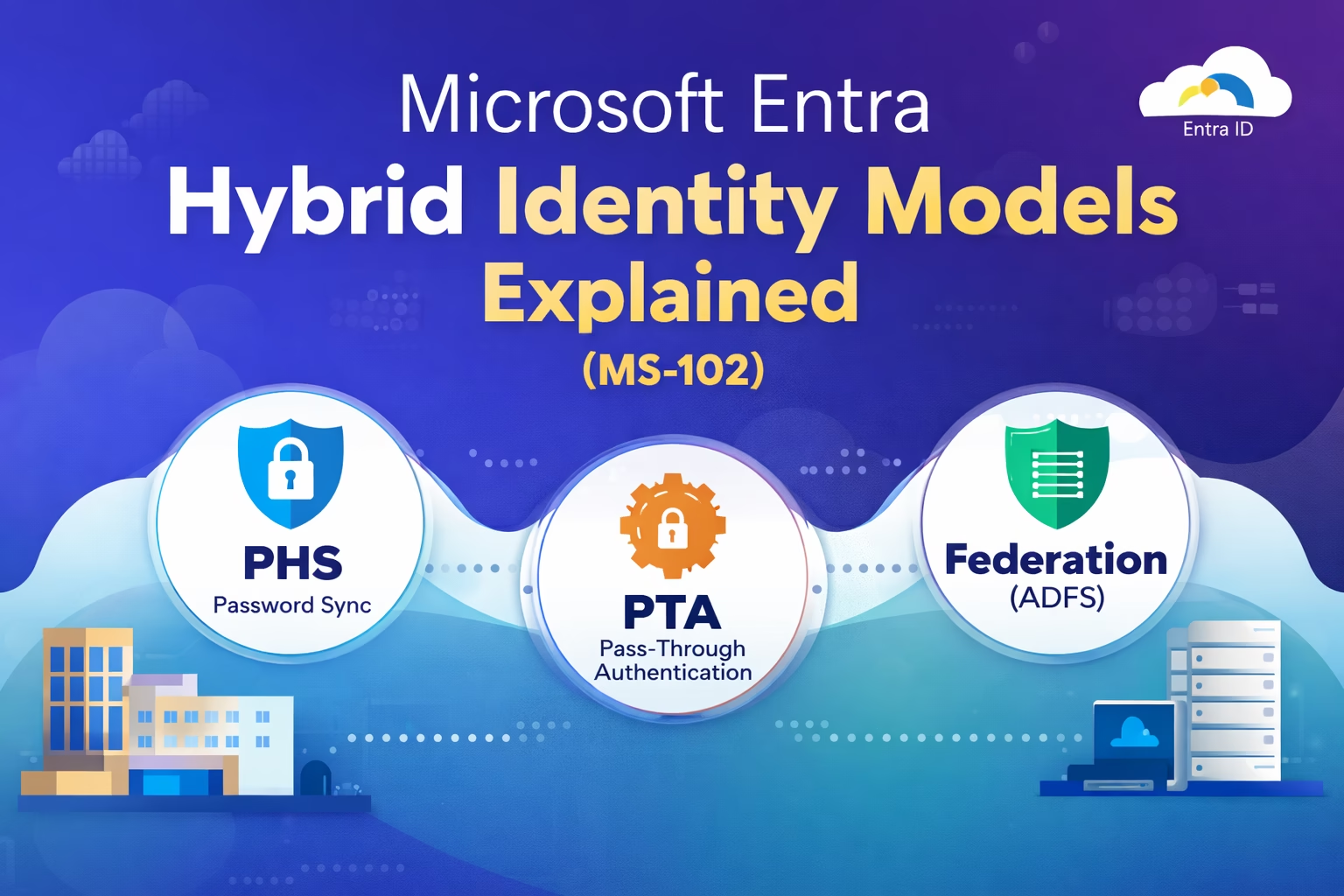
Introduction Identity is the foundation of Microsoft 365 security and access management. Organizations today rarely operate fully on-premises or fully in the cloud. Instead, most follow a Microsoft Entra Hybrid identity models, where identities are managed both locally and in the cloud. To enable this, Microsoft provides Microsoft Entra Connect, which connects on-premises Active Directory ...
Read the full article The Ultimate Guide to 60 Microsoft 365 Organizational Settings (MS-102)
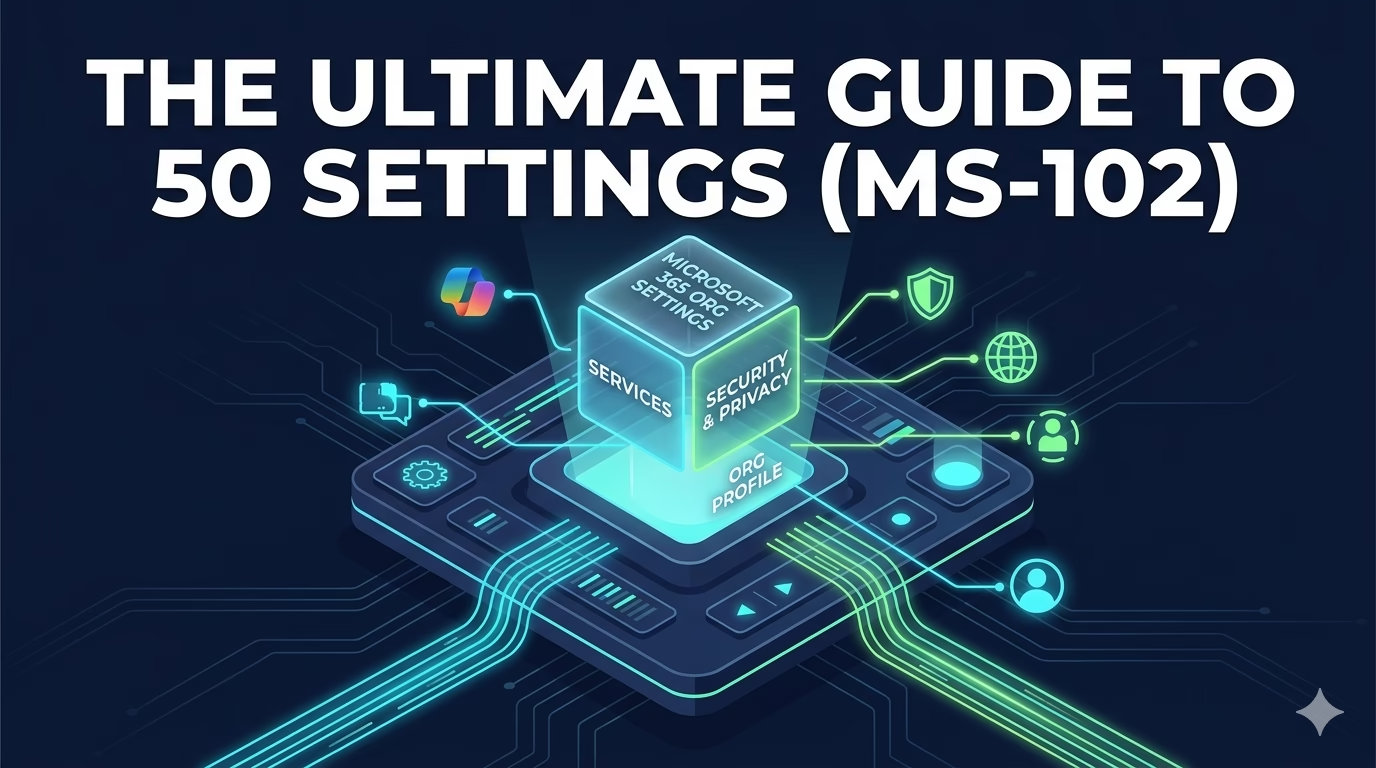
What are Microsoft 365 Organizational Settings? Microsoft 365 Organizational Settings are the foundation of your entire tenant architecture. While most administrators only touch a few surface-level options, the “Org Settings” menu in the Microsoft 365 Admin Center contains over 60 deep-level configurations that dictate how your users collaborate, stay secure, and access external data. As ...
Read the full article Active Directory & Domain Controller Setup for Hybrid Identity (MS-102)
Before configuring the Hybrid Identity Lab Setup in Microsoft 365, you need a basic on-premises Active Directory & Domain Controller Setup. This lab setup will help you understand and implement: Why This Lab Setup Matters for MS-102 Hybrid identity is a core part of the MS-102 exam. Many concepts like synchronization, authentication methods, and troubleshooting ...
Read the full article 10 Essential Best Practices for Role Assignment in Microsoft Entra ID (Step-by-Step Guide)
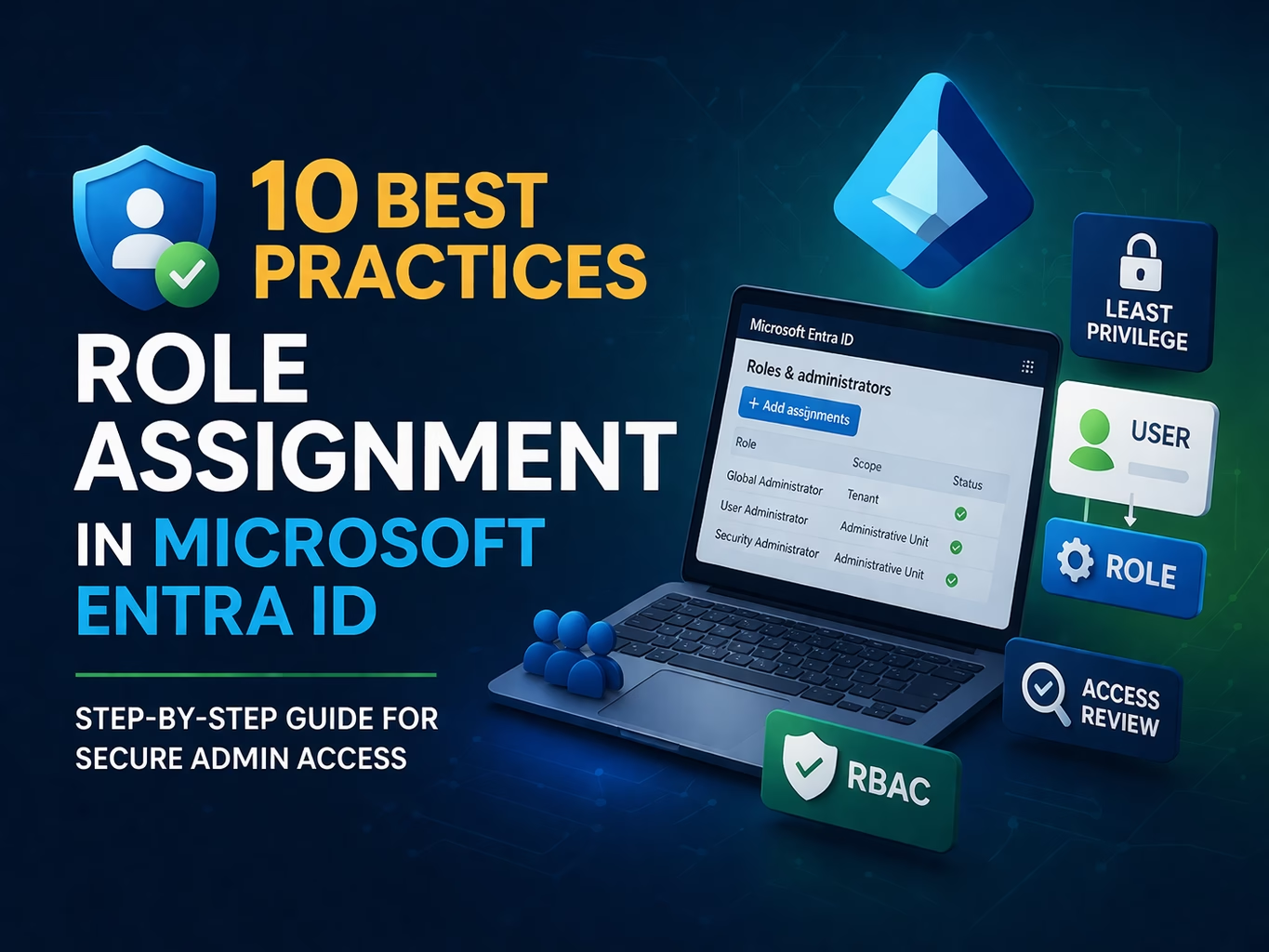
Introduction Role Assignment in Microsoft Entra ID is a powerful capability, but if done incorrectly, it can introduce serious security risks. Many organizations make the mistake of: This leads to over-privileged accounts, increasing the risk of compromise. In this guide, you’ll learn best practices for Role Assignment in Microsoft Entra ID, along with step-by-step configuration ...
Read the full article Mastering Administrative Units (AUs): The 2026 MS-102 Lab Guide
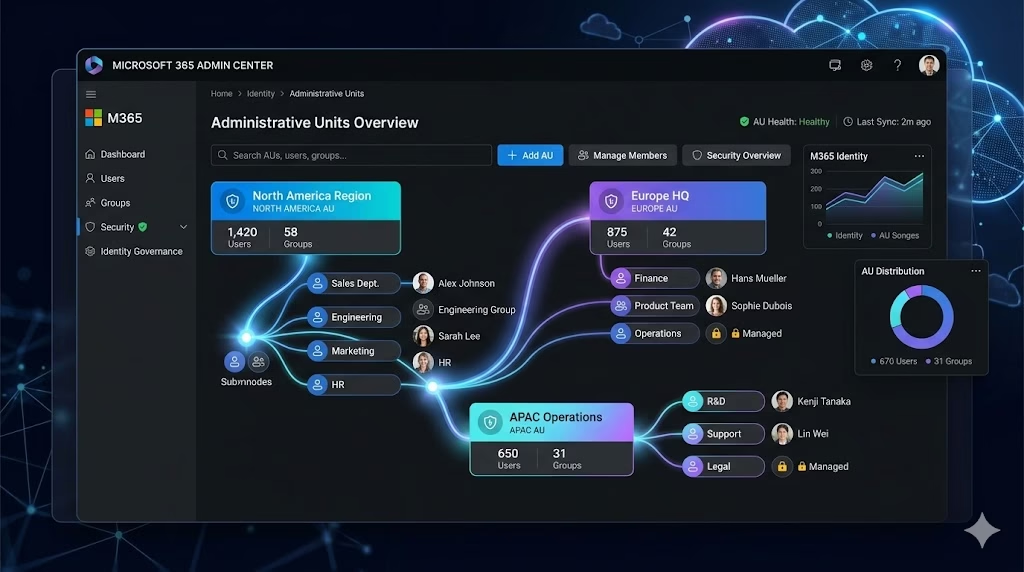
Administrative Units (AUs) are one of the most important tools for delegating administrative access in Microsoft Entra ID. They allow organizations to assign admin permissions only over specific subsets of users, rather than the entire tenant. This is a critical capability for least‑privilege access, regional delegation, and large enterprise management all core concepts tested in ...
Read the full article 10 Powerful Steps to Secure Access: PIM Access Reviews in Microsoft Entra ID
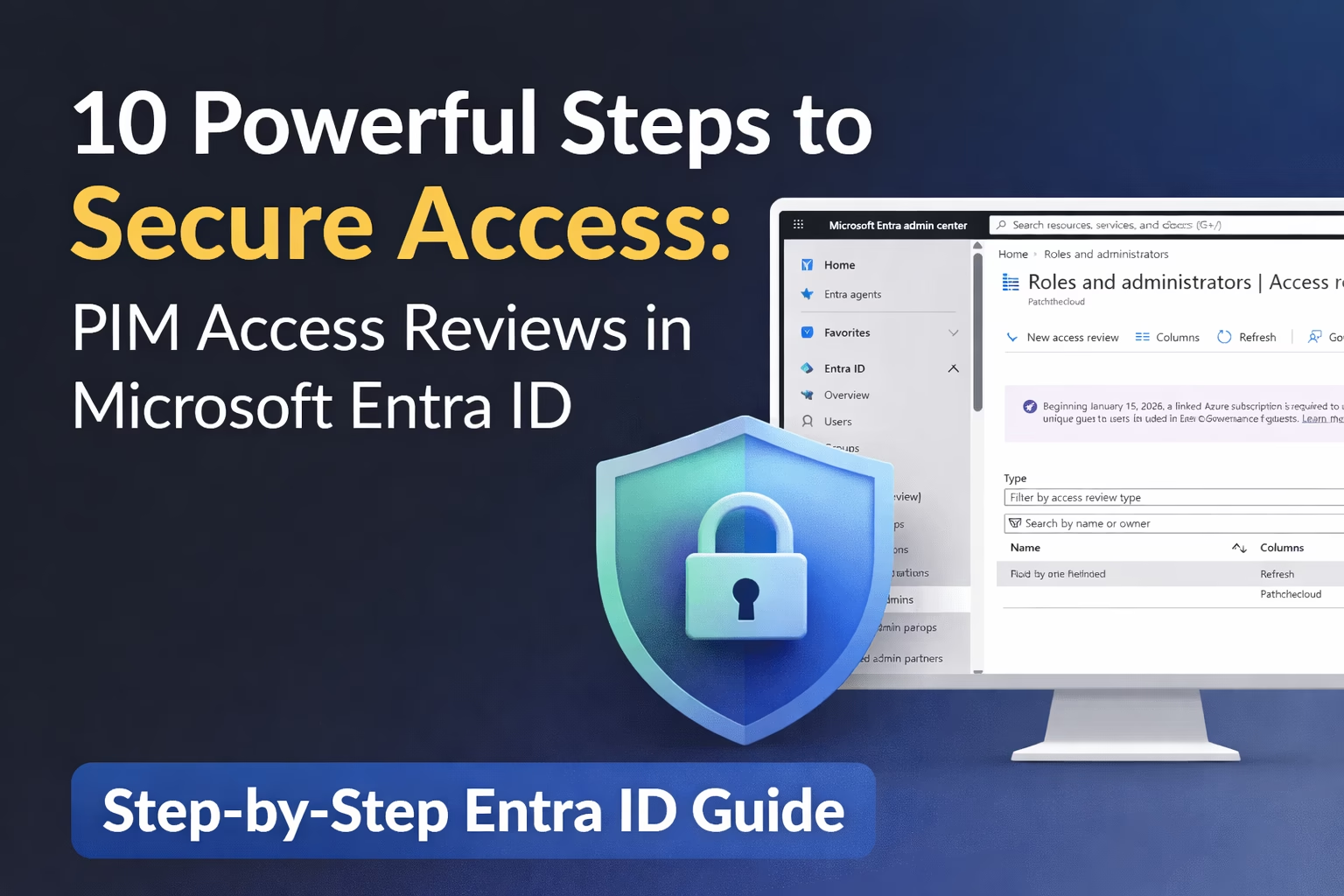
Introduction Privileged access is one of the most sensitive aspects of identity management. In many organizations, users are granted administrative or group-level permissions but those permissions are rarely reviewed over time. This leads to a common security issue known as privilege creep, where users accumulate access they no longer need. Microsoft Entra ID solves this ...
Read the full article Securing Privileged Identity Management in Microsoft 365 Using PIM (Step-by-Step Guide)
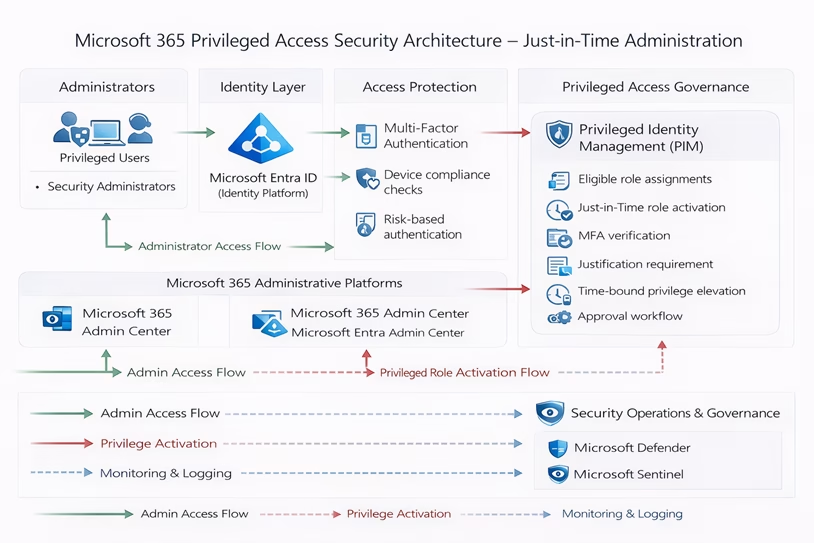
Privileged accounts are the most powerful identities inside a Microsoft 365 tenant. If a privileged account, such as a Global Administrator, is compromised, attackers can gain full control of the entire organization. Many environments still rely on permanently assigned administrative roles, which significantly increases the attack surface. A compromised administrator credential can lead to complete ...
Read the full article Dynamic Distribution Lists in Microsoft 365: Step-by-Step Guide for MS-102 Administrators
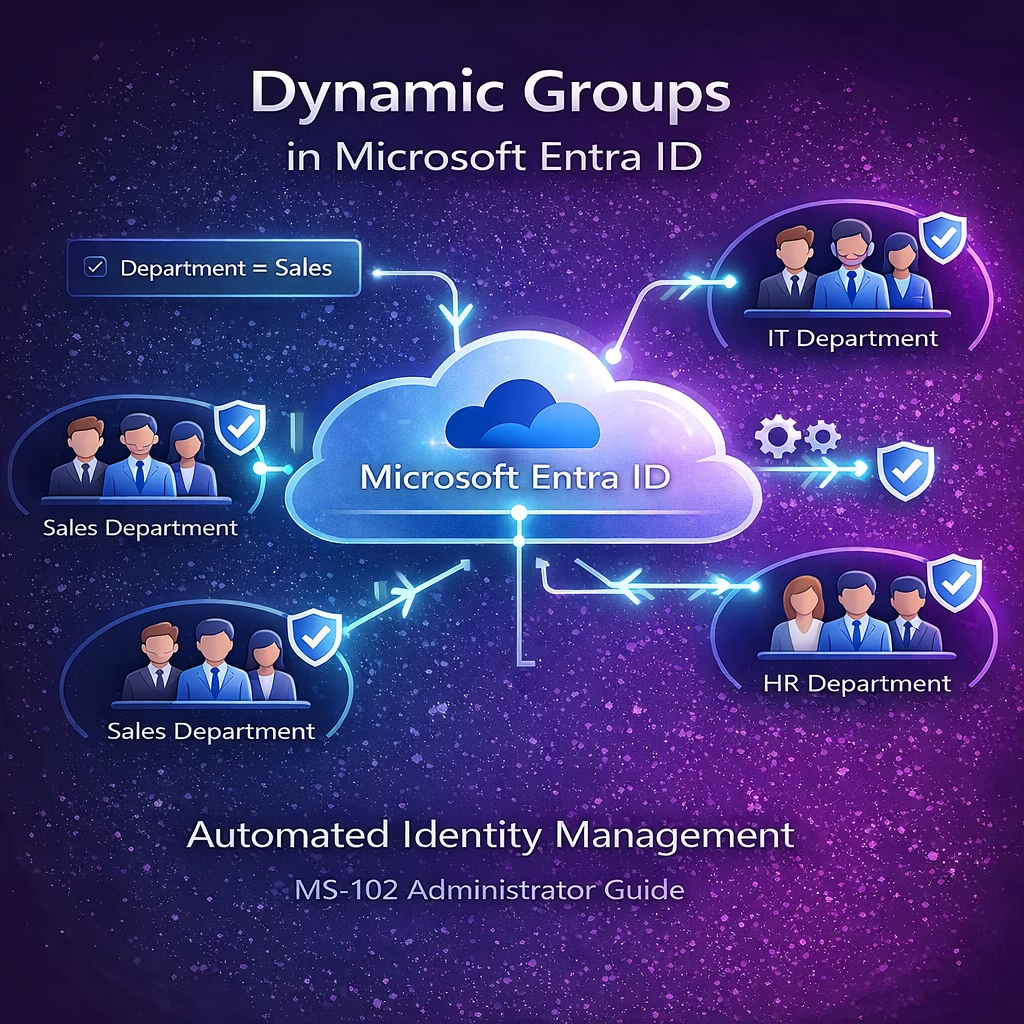
Managing email communication across departments is a common responsibility for Microsoft 365 administrators. In many organizations, administrators need to send emails to groups of users based on attributes like department, location, or job role. However, maintaining traditional distribution lists can become difficult as employees join, leave, or change departments. This is where Dynamic Distribution Lists ...
Read the full article Powerful Guide to Group-Based Licensing in Microsoft Entra ID (MS-102)
Managing Microsoft 365 licenses individually for each user can quickly become complex in growing organizations. Microsoft Entra ID solves this challenge through Group-Based Licensing in Microsoft Entra ID, allowing administrators to automatically assign licenses to users based on group membership. Instead of assigning licenses manually to each user, administrators can assign a license to a ...
Read the full article Authentication Strengths in Microsoft Entra ID: A Powerful Security Guide for MS-102 Administrators
Modern identity attacks often target weak authentication methods such as passwords, SMS verification, or legacy authentication. To address these risks, Microsoft introduced Authentication Strengths in Microsoft Entra ID, allowing administrators to enforce stronger and phishing-resistant authentication methods. Authentication strengths enable organizations to define which authentication methods are allowed during sign-in, ensuring users authenticate using secure ...
Read the full article 






