Security Controls Don’t Fail — Admin Decisions Do
The SC-900 to MS-102 transition is where many professionals make a dangerous assumption:
that security failures happen because tools are weak.
They don’t.
In real Microsoft 365 environments, security controls usually fail because of admin decisions — decisions made under time pressure, incomplete visibility, or business urgency.
This is the reality shift from SC-900 to MS-102 thinking.
What SC-900 Teaches About Security Controls
SC-900 introduces security controls as:
- Necessary
- Logical
- Effective when enabled correctly
You learn about:
- MFA
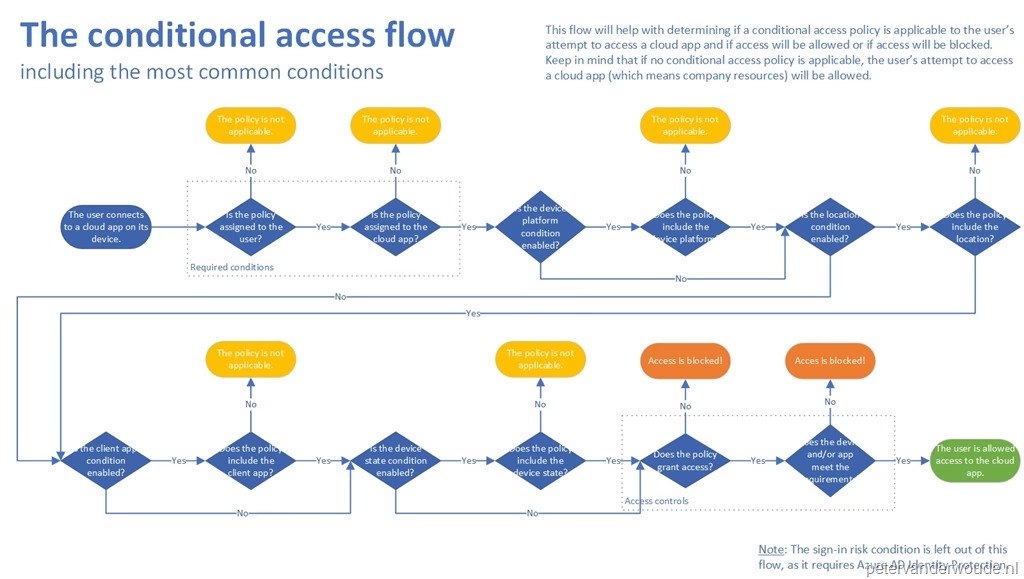
- Conditional Access
- Identity protection
- Secure Score
- Monitoring and alerts
At this level, controls feel like solutions.
Enable the right ones → reduce risk.
That’s true — but incomplete.
What MS-102 Forces You to Confront
MS-102 assumes something SC-900 doesn’t emphasize enough:
Every security control has operational side effects.
Admins don’t just enable controls.
They live with the consequences.
Examples senior admins see regularly:
- MFA breaks automation accounts
- Conditional Access blocks executives mid-travel
- Secure Score recommendations conflict with business apps
- Role assignments are too broad “temporarily” — and stay that way
- Emergency access accounts are poorly documented
The tool didn’t fail.
The decision design did.
Secure Score: The Best Example of This Problem
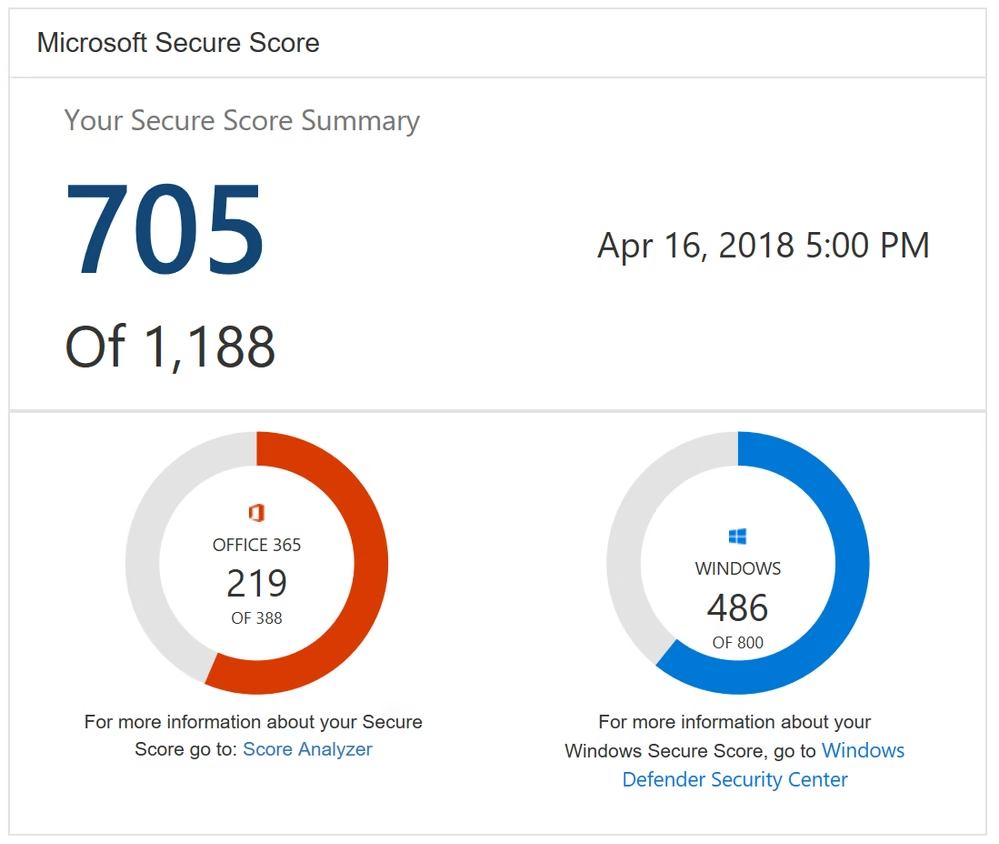
Microsoft Secure Score often recommends:
- Enforcing MFA for all users
- Blocking legacy authentication
- Restricting sign-ins aggressively
From a security perspective: ✅ correct
From an admin perspective: ❓ incomplete
Secure Score doesn’t tell you:
- Which service accounts depend on legacy auth
- Which integrations will silently fail
- Who receives the first escalation call
- How to recover if admins are locked out
In the SC-900 to MS-102 transition, this is a critical realization:
Security tools suggest what to do.
Administrators must decide how and when to do it safely.
Why Admin Decisions Matter More Than Tools
Security controls are deterministic.
Admin decisions are contextual.
As an administrator, you constantly balance:
- Risk vs productivity
- Security vs availability
- Compliance vs usability
Two tenants can enable the same control and experience:
- Completely different outcomes
- Completely different incidents
The difference is not the tool.
It’s identity design, role scoping, exception handling, and rollback planning.
These are MS-102 responsibilities.
A Common Admin Anti-Pattern
One of the most common mistakes during the SC-900 to MS-102 transition is this:
“Let’s enable it now. We’ll fix issues if users complain.”
This approach leads to:
- Emergency rollbacks
- Loss of admin credibility
- Security fatigue across the organization
Senior admins think differently:
- What breaks first?
- Who is impacted?
- What is the rollback path?
- Is this reversible?
Security maturity is not about speed of enforcement —
it’s about quality of decisions.
Mini-Lab: Identify Decision Risk (No Changes Required)
This lab is purely observational.
Step 1
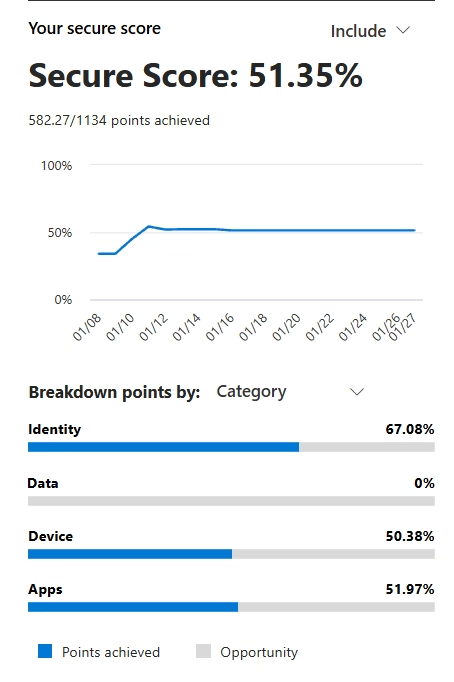
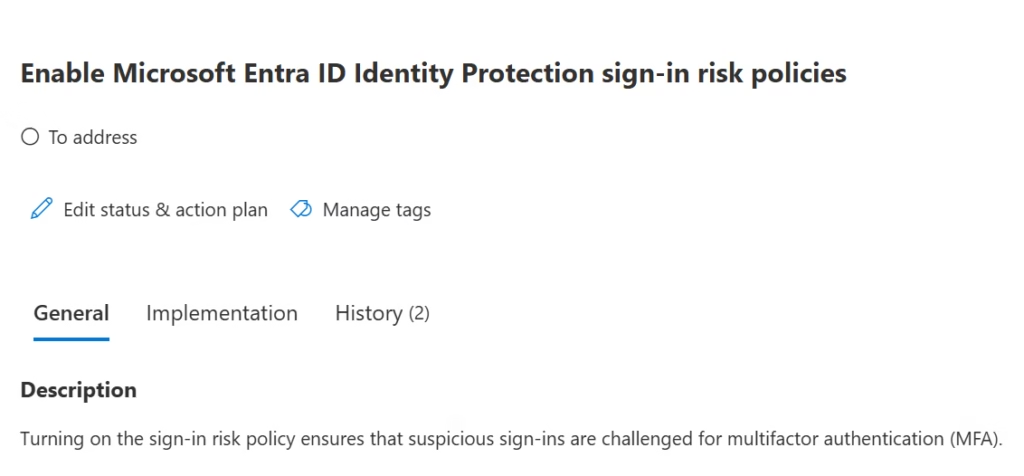
Open Microsoft Secure Score.
Step 2
Pick one identity-related recommendation.
Step 3
Ask these admin questions:
- Which users or groups does this affect?
- Are service accounts included?
- Are admins protected from lockout?
- Is there a documented rollback?
If you cannot answer these confidently, the risk is administrative, not technical.
Why This Post Exists Before MS-102 Content
Before we start discussing:
- Users and groups
- Admin roles
- Conditional Access
- Exchange, SharePoint, and Teams settings
You must accept this principle:
Security controls are easy to enable.
Admin accountability is hard to manage.
MS-102 is not about learning more tools.
It’s about owning the impact of your decisions.
What’s Next in the Transition Series
In the next post, we go even deeper into the foundation:
Why identity is not a security feature — it’s an admin responsibility.
Because once you understand identity ownership,
everything else in Microsoft 365 finally makes sense.
Final Takeaway
SC-900 teaches you what security should look like.
MS-102 teaches you who is responsible when it goes wrong.
That difference defines the SC-900 to MS-102 transition.
Also, view our detailed guide on what is SC-900 to understand Microsoft Security, Compliance, and Identity fundamentals.
For official and up-to-date exam objectives, learning paths, and reference material, refer to Microsoft Learn’s SC-900 documentation.







