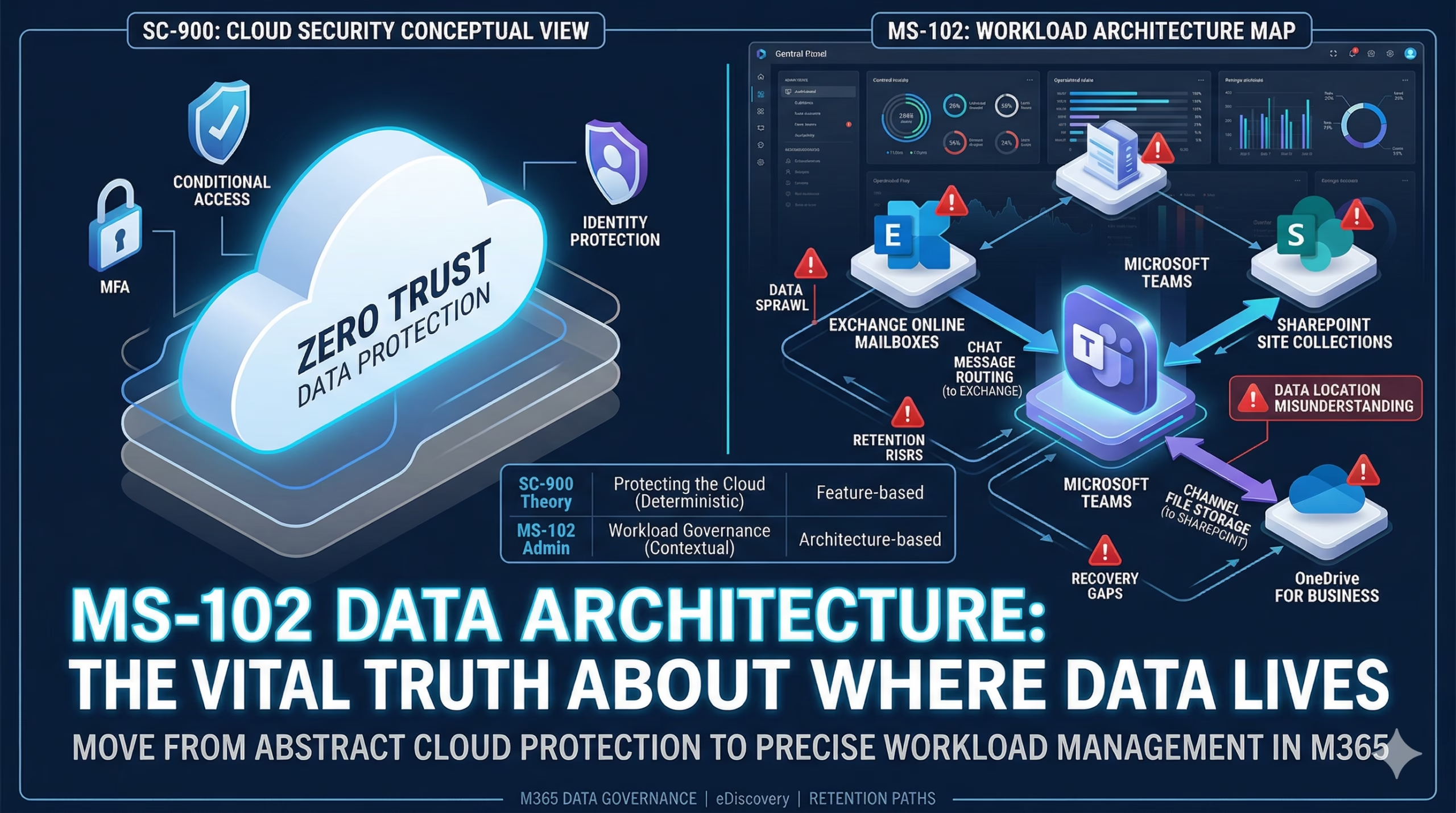
Learning Objectives
After completing this guide, you will be able to:
- Explain why feature-based thinking breaks down in real administration.
- Identify the key admin questions that matter most.
- Describe the MS-102 admin lifecycle framework.
- Understand how the admin lifecycle impacts governance.
The MS-102 Admin Lifecycle: Moving Beyond Simple Features
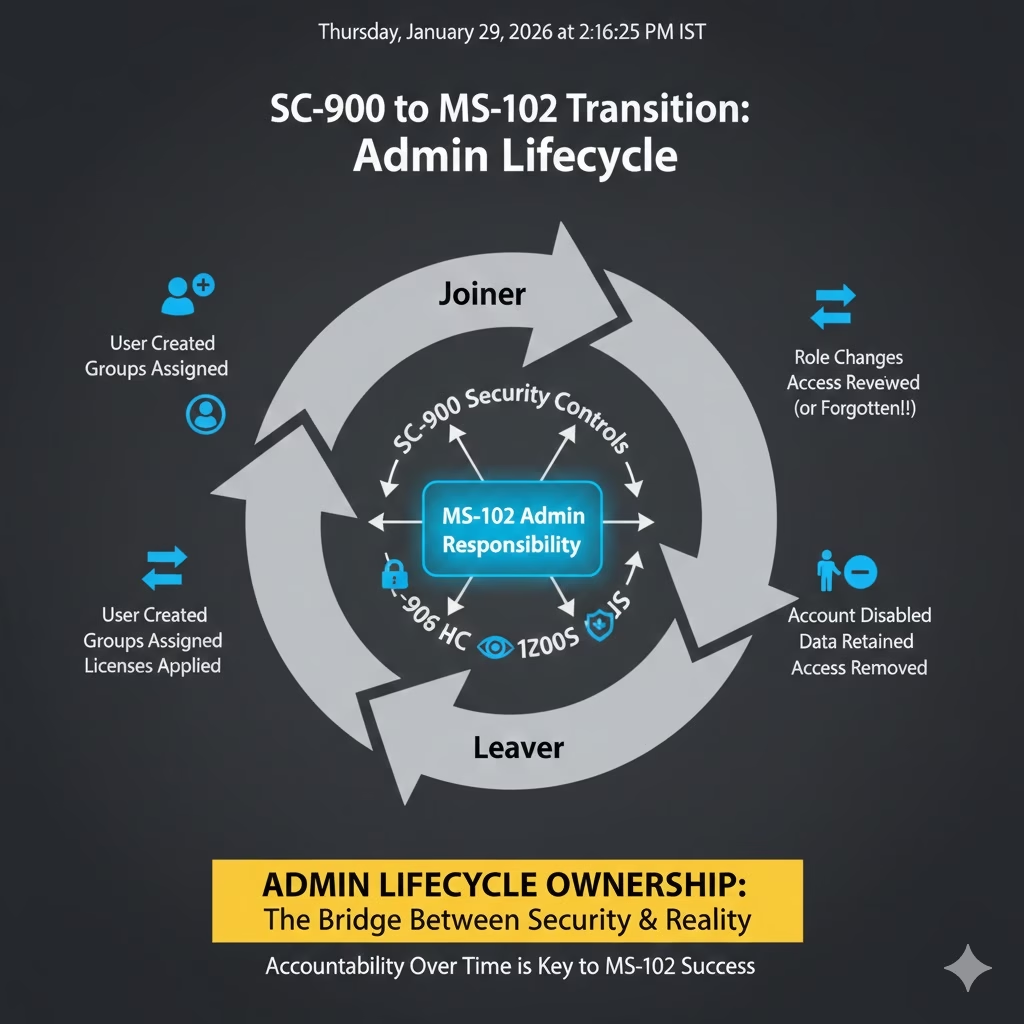
The MS-102 Admin Lifecycle shift is the moment you realize that Microsoft 365 isn’t just a set of tools—it’s a living environment. One quiet realization defines this path more than any policy: Admins don’t just manage features; they manage the accountability of what happens before and after a user ever clicks “Sign In.”
Admins don’t manage features.
They manage what happens before and after people use them.
In SC-900, the focus is on controls:
protect data, monitor access, reduce risk.
In MS-102, the focus shifts to something heavier: Ownership across time.
That’s lifecycle thinking.
Why Feature-Based Thinking Breaks Down
Early in their journey, many admins think like this:
- Create a user
- Assign a license
- Enable a feature
- Move on
This works briefly.
But Microsoft 365 is not static. People:
- Join
- Change roles
- Change departments
- Leave
- Return as contractors
- Become guests
- Lose devices
- Share data they shouldn’t have
Security controls don’t automatically clean this up.
Lifecycle ownership does.
The Admin Questions That Matter Most
Senior admins don’t ask:
- “How do I enable this?”
They ask:
- What happens when this user leaves?
- What access persists after deletion?
- What data survives retention?
- What breaks if I disable the account?
- What gets inherited automatically?
These questions don’t appear in the feature documentation; they appear in incident reviews.
Mastering the MS-102 Admin Lifecycle: Framework
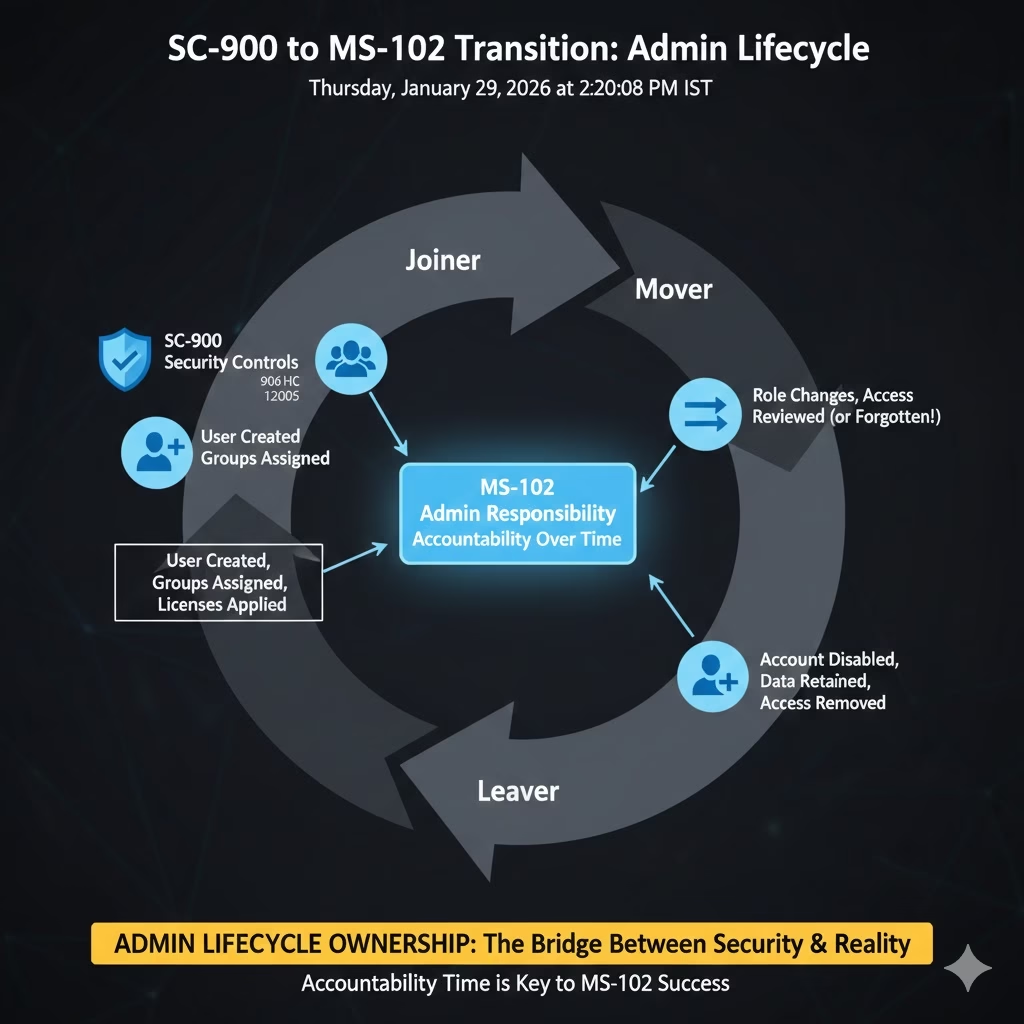
Every Microsoft 365 identity follows a lifecycle:
Joiner
- User created
- Groups assigned
- Licenses applied
- Access granted (often too much)
Mover
- Role changes
- Old access is rarely removed
- New access stacked on top
- Risk quietly increases
Leaver
- Account disabled
- Data retained
- Teams ownership unresolved
- Guests and shared access are forgotten
Security incidents often happen after the user is gone, not while they’re active.
The Reality of Object Deletion in the SC-900 to MS-102 Transition
Creating objects in Microsoft 365 is easy.
Deleting them safely is not.
When a user leaves:
- Mailboxes enter soft delete
- OneDrive data is retained temporarily
- Teams ownership may be orphaned
- Shared files may remain accessible
- Guest users may retain access
Admins fear deletion because:
Deletion reveals what you forgot to manage earlier.
That fear is not weakness —
it’s awareness.
How the MS-102 Admin Lifecycle Impacts Governance
Once you think in lifecycle terms:
- Identity design becomes intentional
- Group usage becomes disciplined
- Licensing becomes automated
- Retention becomes predictable
- Audits become explainable
- Incidents become rarer
Lifecycle thinking doesn’t make Microsoft 365 smaller —
it makes it understandable.
Mini-Lab: Lifecycle Reality Check (10 Minutes)
Perform this check to see the MS-102 Admin Lifecycle in action
Step 1
Pick a recently disabled or deleted user (or simulate one in test).
Step 2
Check:
- Is their mailbox still discoverable?
- Does their OneDrive still exist?
- Are they still listed as a Teams owner?
- Do shared links still work?
- Are guests still accessing shared content?
Step 3
Ask yourself:
- Was this outcome intentional?
- Would I explain this confidently to legal or audit?
If not, you’ve found a lifecycle gap, not a security gap.
Why This Post Ends the Transition Series
Before starting MS-102 core topics, one truth must be locked in:
Microsoft 365 administration is about responsibility over time, not configuration at a moment.
SC-900 helps you understand why protection matters.
MS-102 teaches you what happens when people, data, and access change.
Lifecycle thinking is the bridge between the two.
Where MS-102 Begins Properly
After this post, MS-102 should start here:
Identity first users, groups, roles, and ownership.
Because once the lifecycle is understood:
- Identity decisions make sense
- Data behavior becomes predictable
- Security controls stop feeling fragile
Final Thought
SC-900 teaches awareness. MS-102 teaches accountability.
The moment you start thinking in lifecycle terms, you stop being a feature admin and start becoming a platform owner.
If you are just starting out, check out our comprehensive 30-day SC-900 learning path to master the fundamentals of Microsoft Security, Compliance, and Identity.
🎓 Series Wrap-Up: The Complete Roadmap
You have officially completed the SC-900 to MS-102 transition series. Here is a recap of the journey:
- Post 1: SC-900 to MS-102: Where Zero Trust Breaks in Production
- Post 2: Security Controls Don’t Fail, Admin Decisions Do
- Post 3: Identity is an Admin Responsibility, Not Just a Security Feature
- Post 4: M365 Data Architecture: Why Admins Must Know Where Data Lives
- You Are Here: MS-102 Admin Lifecycle: The Critical Shift to Lifecycle Thinking
Ready to start your MS-102 Journey? Now that you have the mindset, explore the technical requirements and exam objectives here: ➡️ What is MS-102? The Microsoft 365 Administrator Guide
For the most current exam objectives and official study modules, refer to the Microsoft Learn SC-900 certification page.
5 thoughts on “MS-102 Admin Lifecycle: The Critical Shift to Ownership | TechCertGuide”