Microsoft 365 Anti-Spam and Anti-Malware Protection (MS-102 Guide)
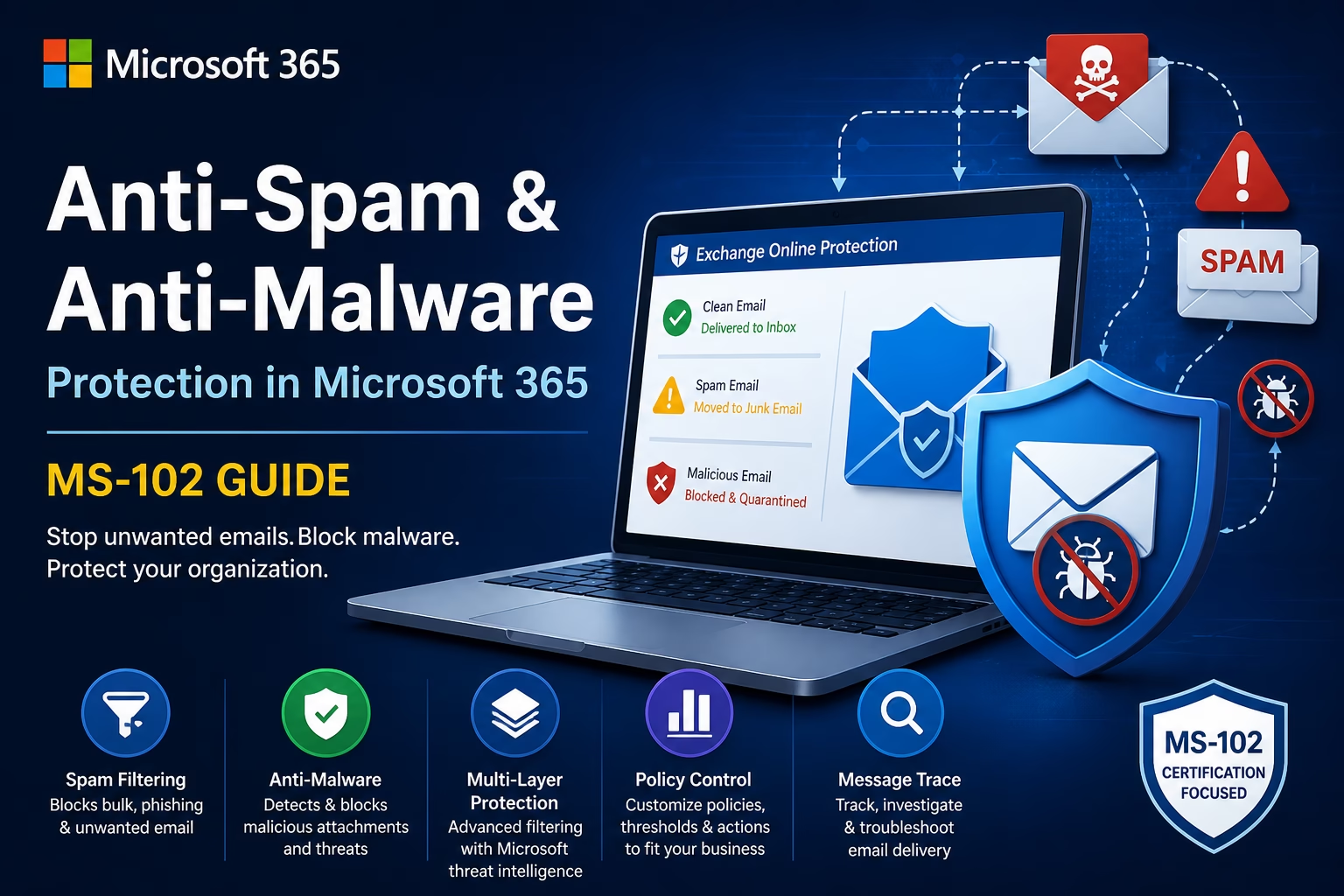
Learning Objectives After completing this guide, you will be able to: What is Microsoft 365 Anti-Spam and Anti-Malware Protection? Email remains the number one attack vector for modern cyber threats. From spam campaigns and phishing emails to ransomware attachments, attackers continue to exploit Microsoft 365 email security gaps every single day. This is why Microsoft ...
Read the full article Safe Attachments in Microsoft Defender: Essential MS-102 Lab & Guide
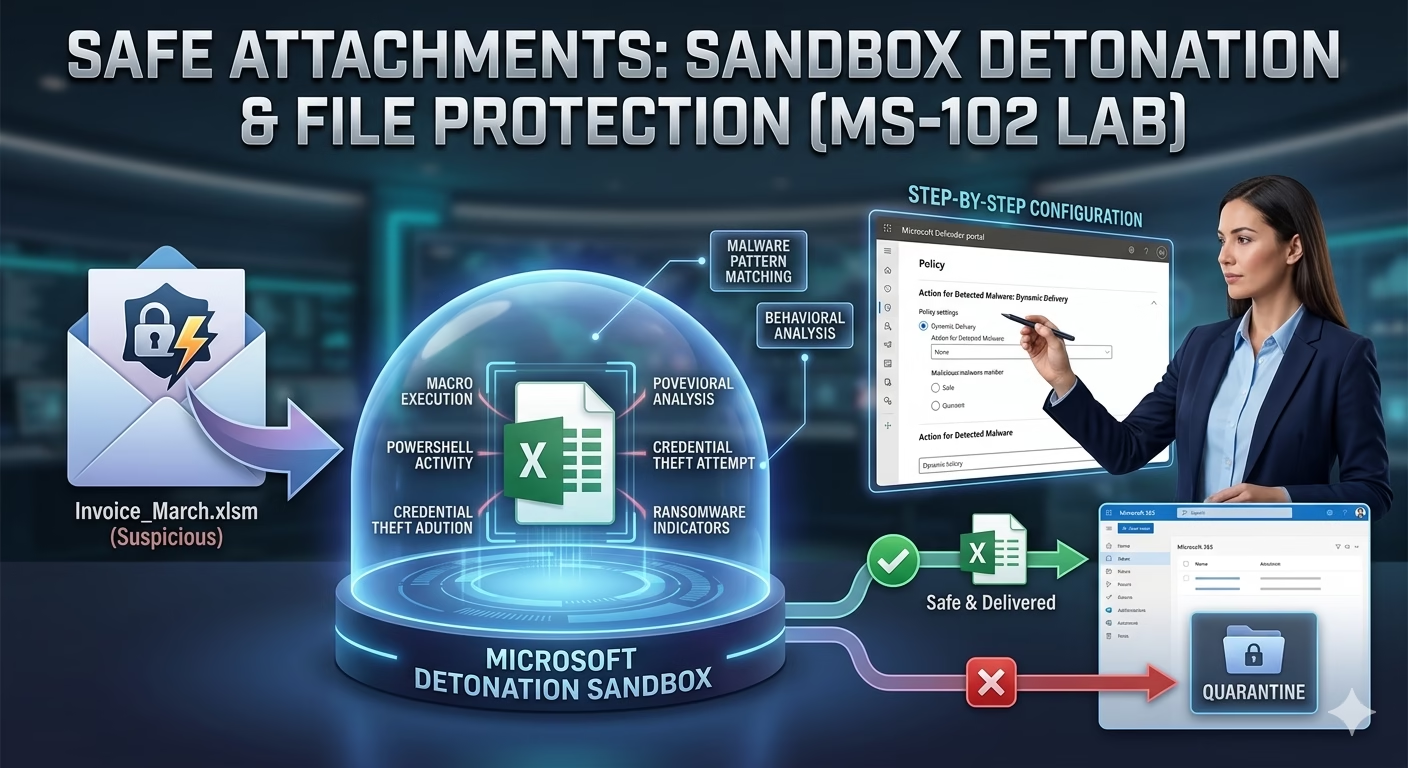
Safe Attachments in Microsoft Defender provides a robust sandbox environment to detonate and analyze suspicious files before they reach your users. While basic antivirus software relies on known signatures, Safe Attachments in Microsoft Defender uses behavioral analysis to catch zero-day threats that other tools miss. Even trained users can accidentally open harmful files, especially when ...
Read the full article Safe Links in Microsoft Defender: Essential MS-102 Guide & Lab
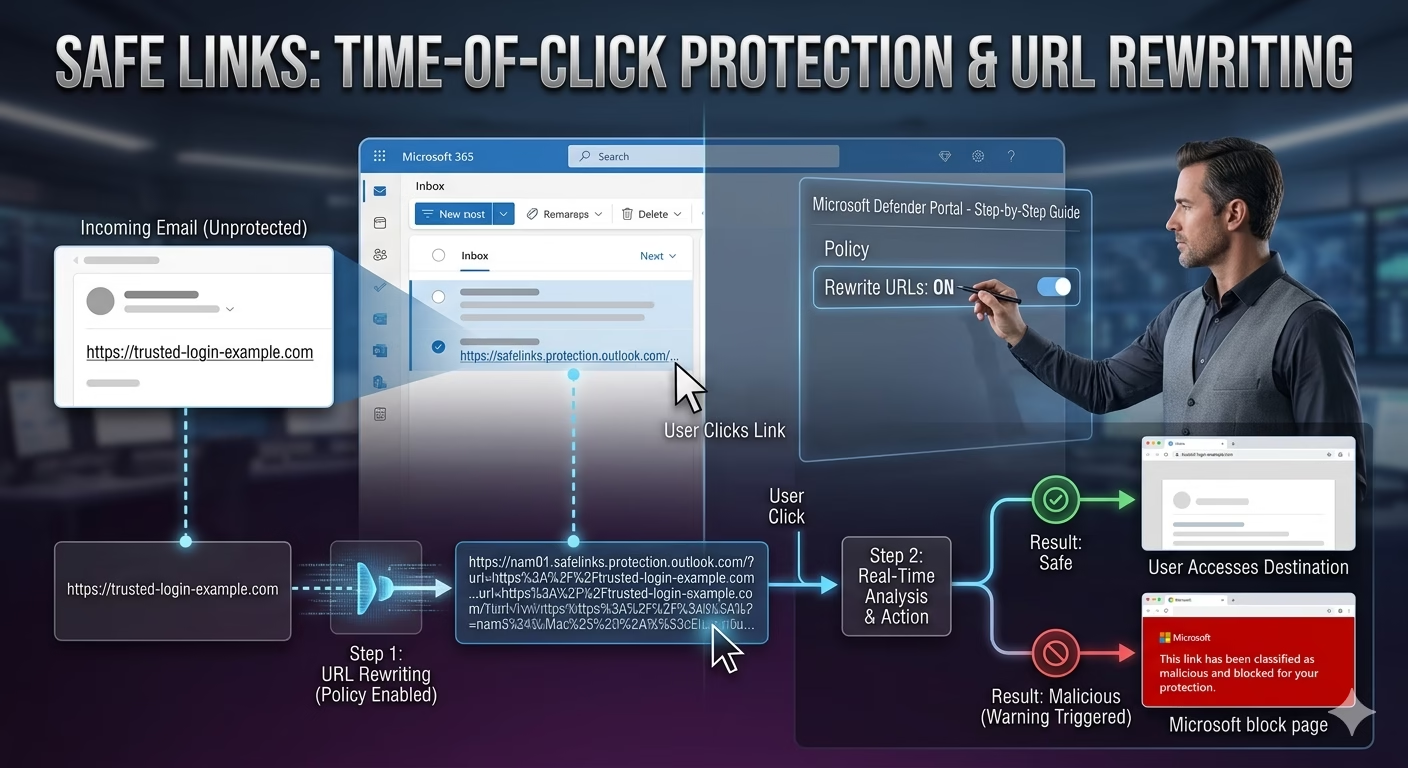
Safe Links in Microsoft Defender provides a critical layer of ‘Time-of-Click’ protection that traditional email security often misses. Attackers use phishing URLs, shortened links, QR codes, and delayed redirection techniques to bypass traditional email security. This is where Safe Links in Microsoft Defender for Office 365 becomes one of the most powerful security features for ...
Read the full article Anti-Phishing Policies in Microsoft Defender: Essential MS-102 Lab Guide
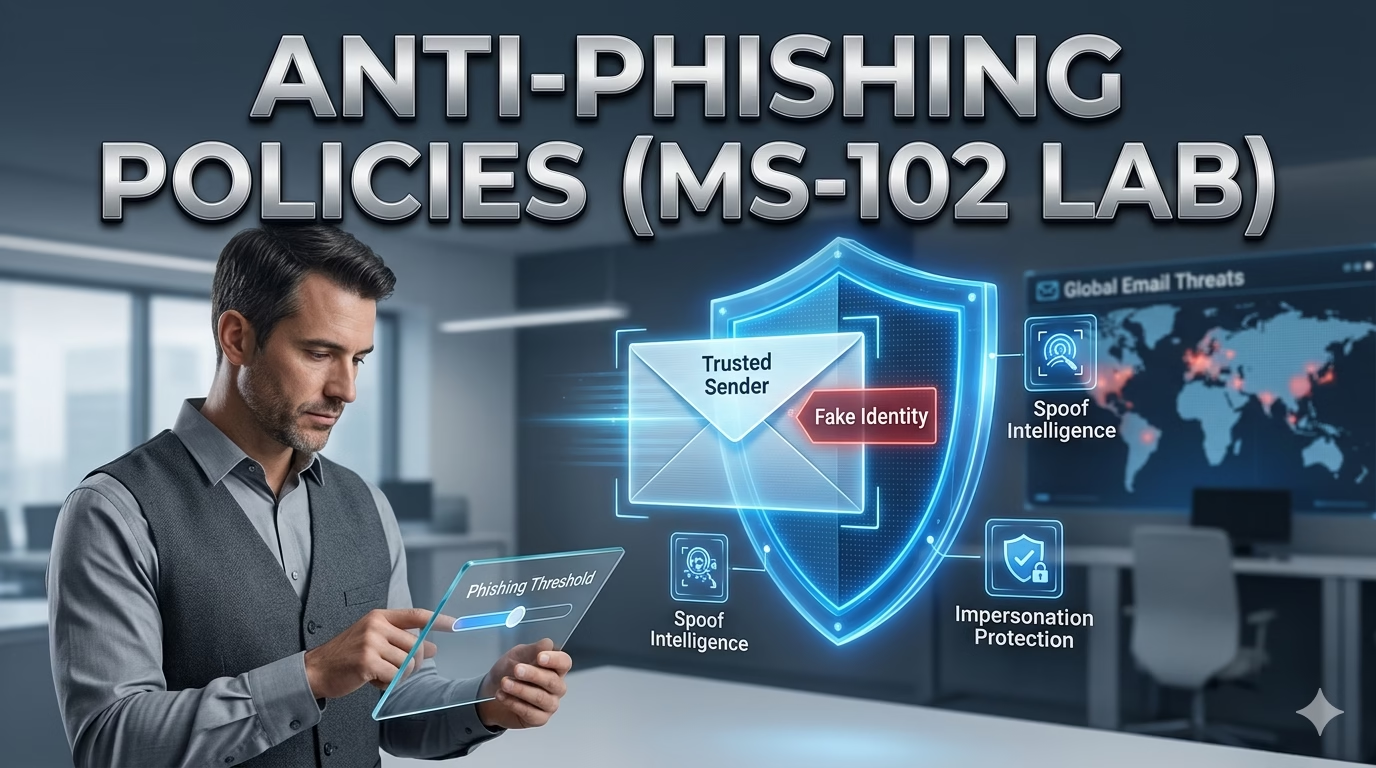
Anti-Phishing Policies in Microsoft Defender represent the front line of defense in a modern Zero Trust architecture. While traditional email filters focus on bulk “spam,” the modern threat landscape has shifted toward highly targeted identity deception, such as credential harvesting and executive impersonation. In our previous post, we used Threat Analytics to identify active attack ...
Read the full article Threat Analytics in Microsoft Defender XDR: Staying Ahead of Attacks (MS‑102)
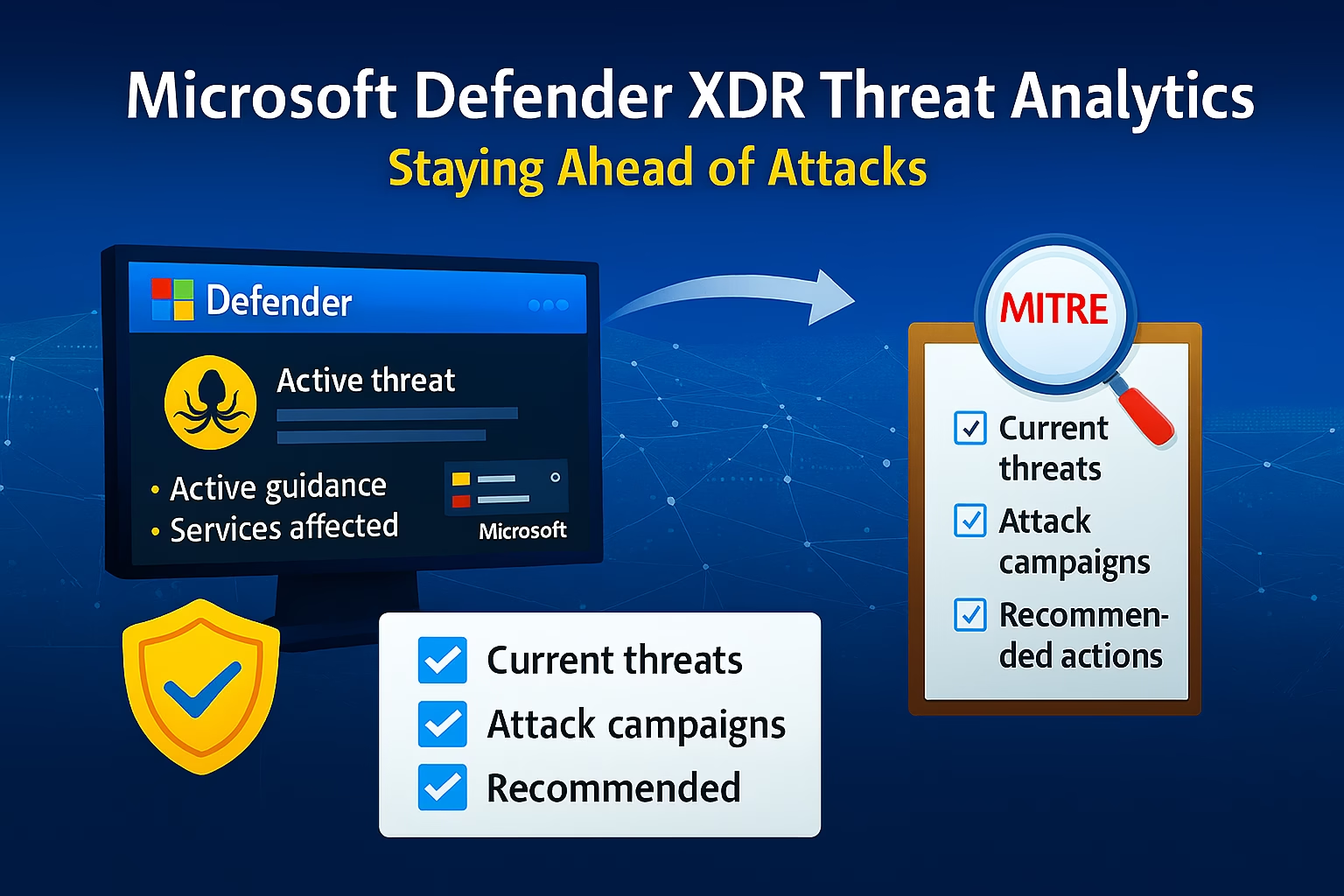
After improving your security posture with Microsoft Secure Score, the next responsibility of a Microsoft 365 administrator is understanding what threats are actively targeting organizations today. Security is not static. Attack techniques evolve constantly, and controls that were effective last year may no longer be sufficient. Microsoft Defender XDR addresses this challenge by continuously monitoring ...
Read the full article Microsoft Secure Score Explained: Measure & Improve Security Posture (MS-102 Guide)
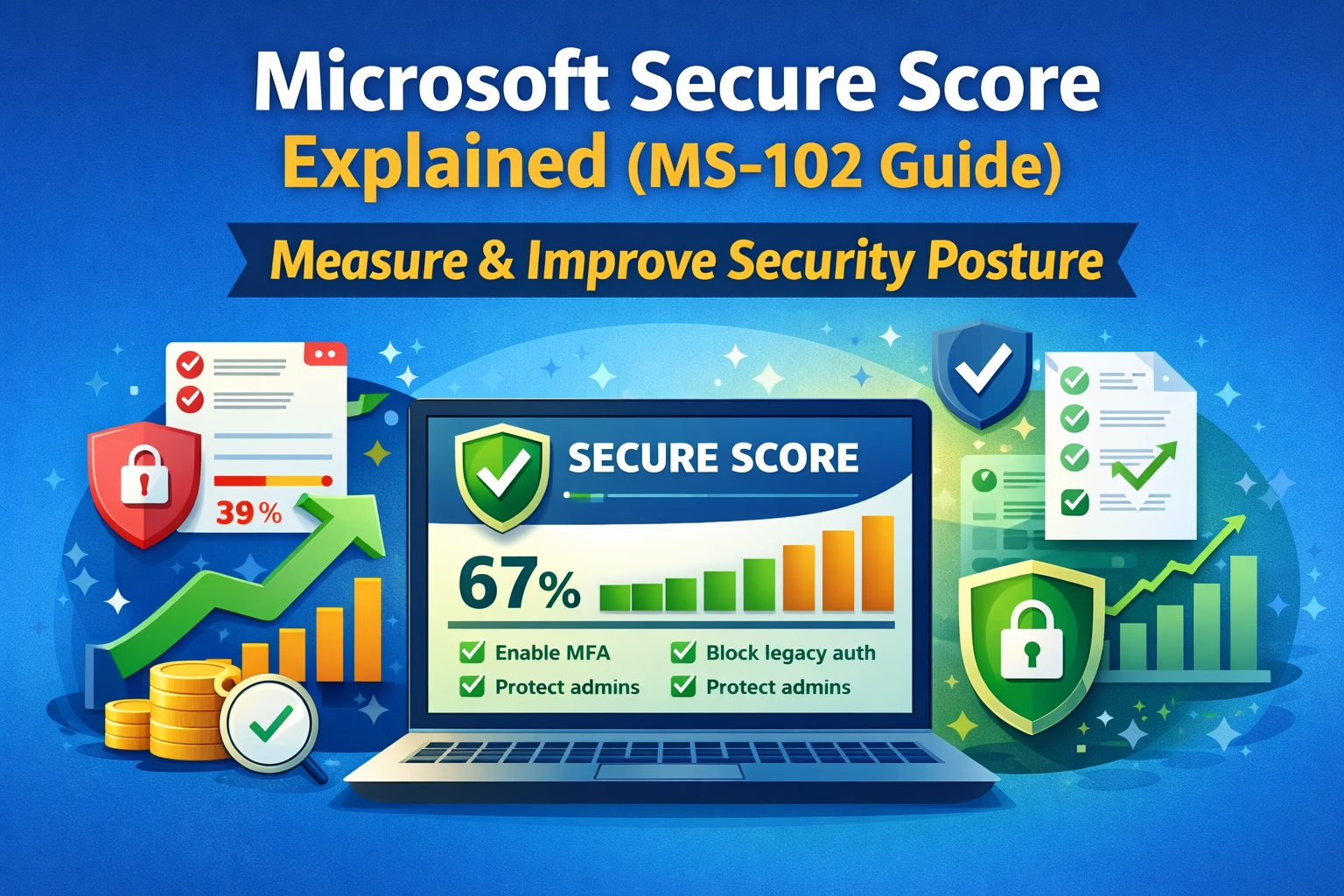
Once Microsoft Defender XDR is in place and administrators understand how incidents and alerts are investigated, the next critical question becomes: How is Microsoft Secure Score for the tenant overall? Detecting threats is important, but preventing them before they happen is even more valuable. This is where Microsoft Secure Score becomes one of the most ...
Read the full article Microsoft Defender XDR Explained: Essential Architecture & Admin Tips for MS-102
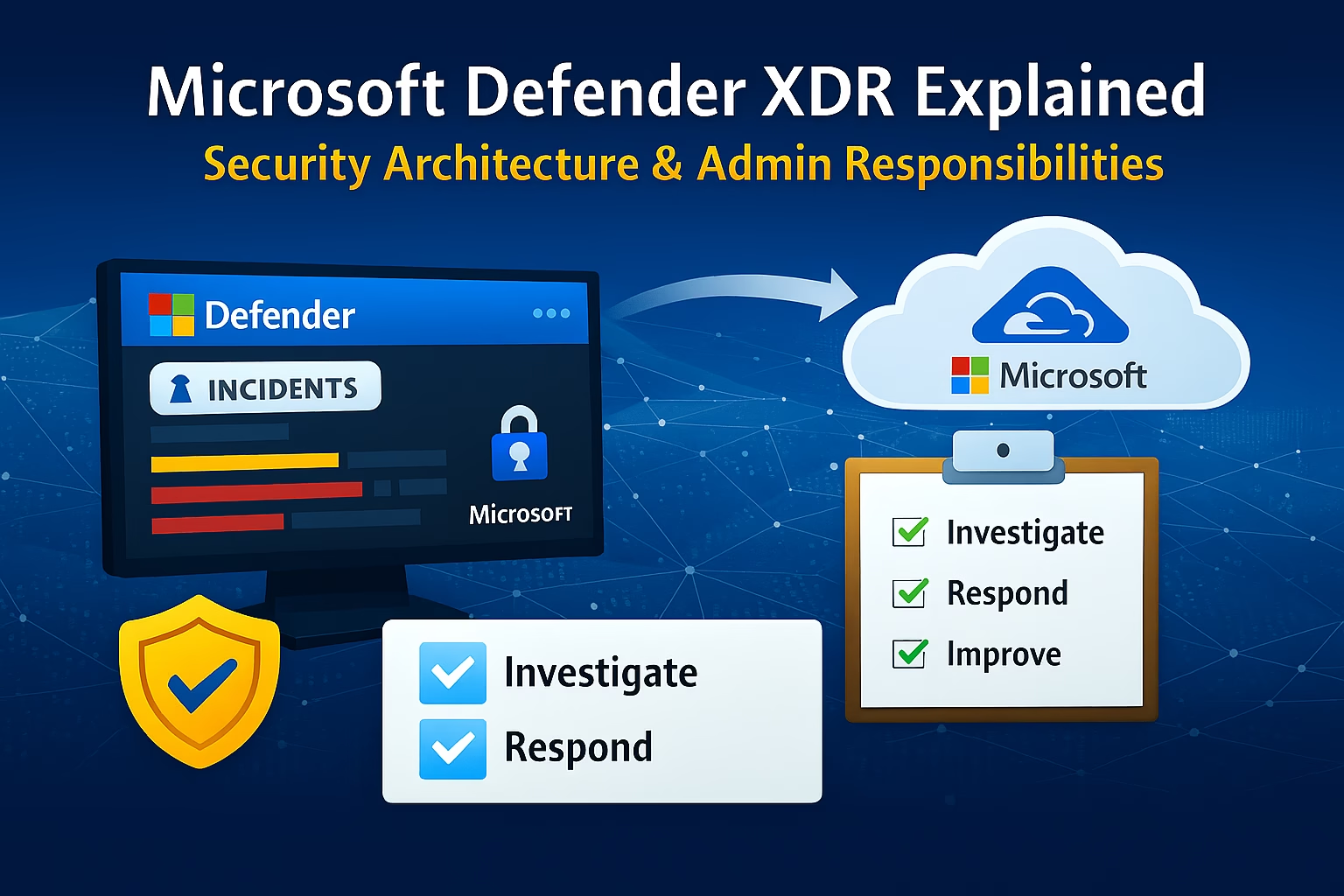
Once identity foundations, authentication, and tenant configuration are in place, Microsoft 365 administration moves into its most critical phase: security operations. This is the point where Microsoft 365 administrators stop thinking only about configuration and start thinking about threat detection, investigation, and response. At the center of Microsoft 365 security operations is Microsoft Defender XDR. ...
Read the full article The Essential Microsoft 365 Security Foundations: Unlock Your Potential for MS-102
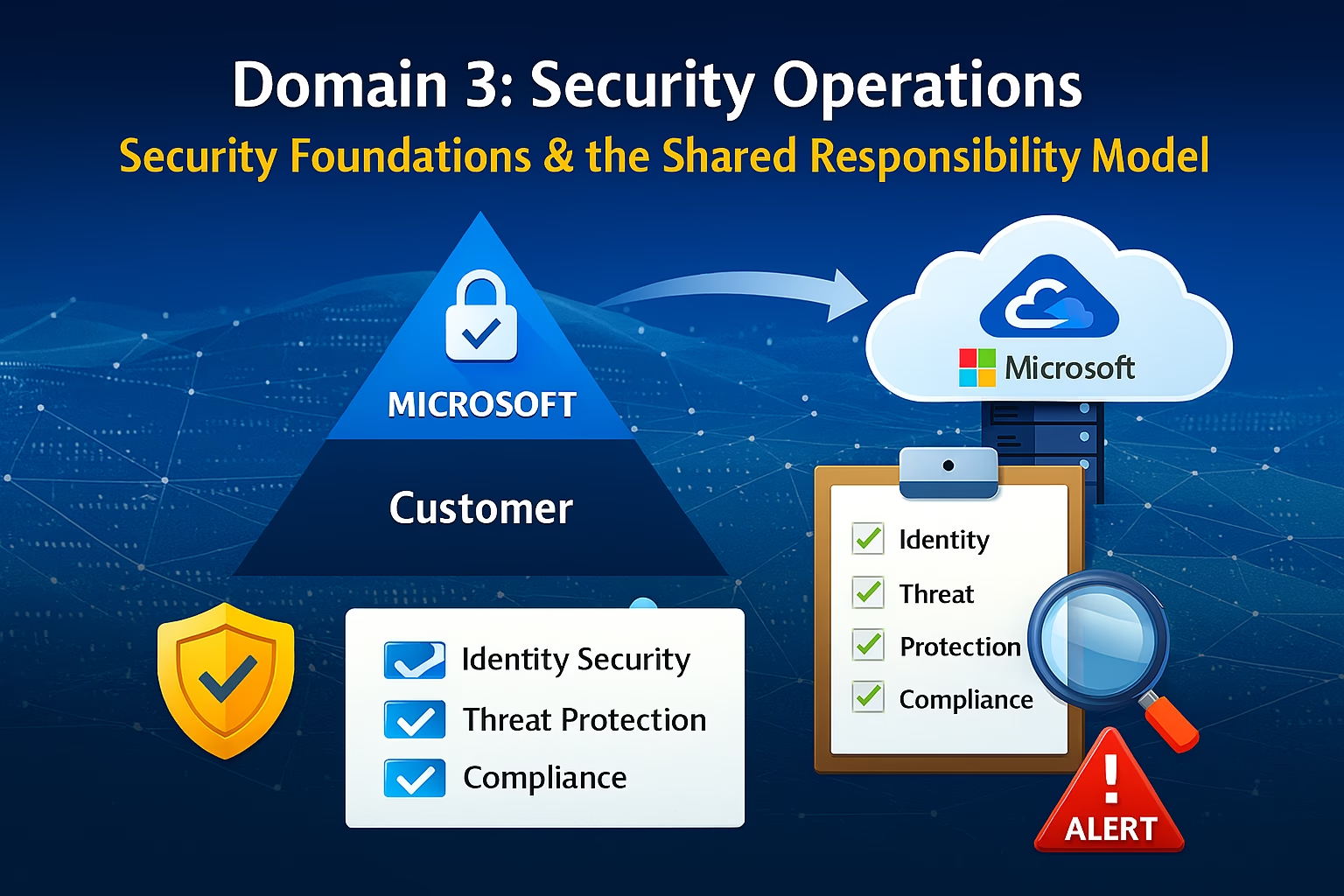
Establishing robust Microsoft 365 Security Foundations is no longer optional for the modern enterprise. As we transition into Domain 3, we move away from simple tenant configuration and into the proactive defense of the environment. Domain 3 marks a fundamental shift in mindset. This is where Microsoft 365 administration moves from enablement to protection. Before ...
Read the full article Mastering Microsoft Entra Connect Health & Troubleshooting Sync Issues in MS-102
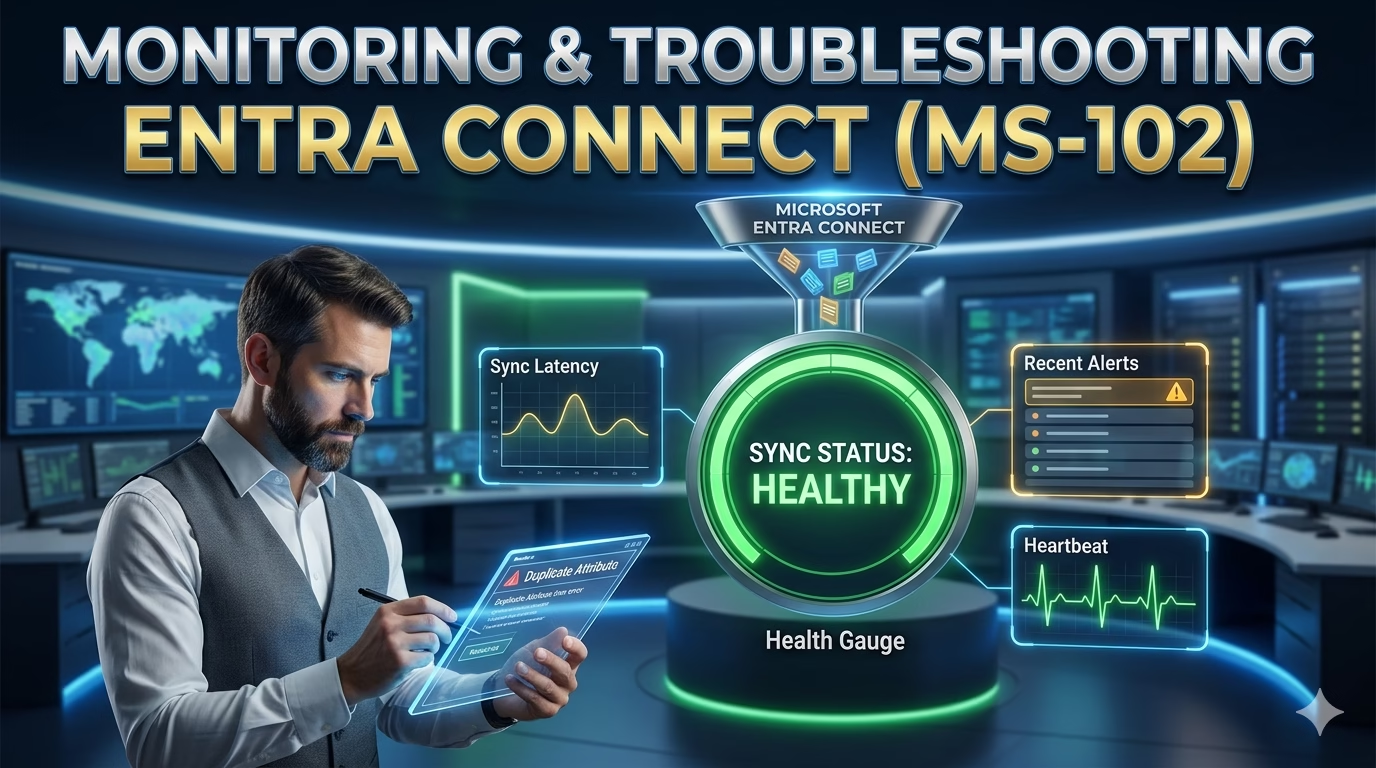
Monitoring, Alerts, and Common Fixes (with Lab) Deploying Microsoft Entra Connect or Entra Cloud Sync is only the beginning. A production‑ready identity solution must be continuously monitored, and administrators must be able to troubleshoot synchronization issues quickly and safely. Microsoft provides Microsoft Entra Connect Health to help administrators monitor hybrid identity components and detect problems ...
Read the full article Mastering Microsoft Entra Cloud Sync: Configuration Guide (MS‑102) with Lab
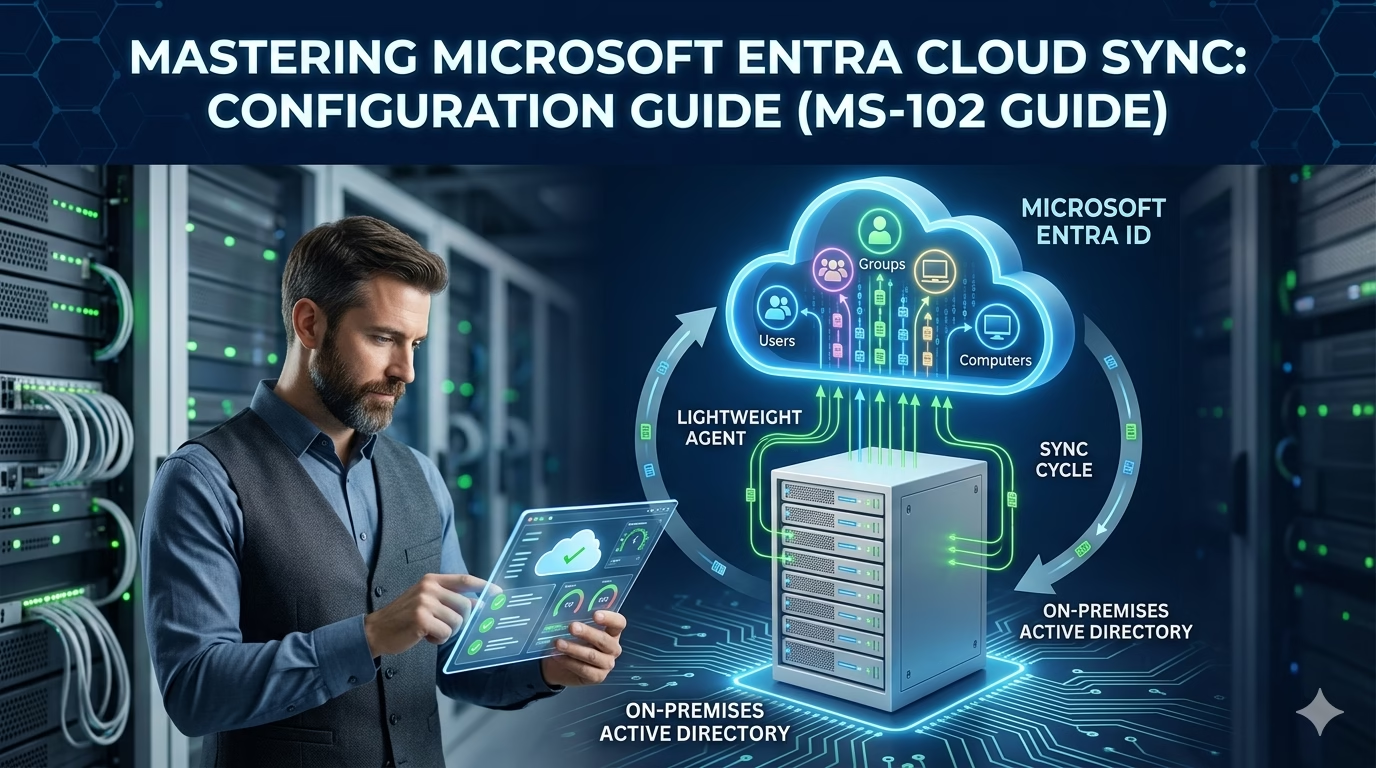
Choosing the Right Synchronization Model (with Lab) Hybrid identity is evolving. While Microsoft Entra Connect Sync has been the traditional solution for synchronizing on‑premises Active Directory with Microsoft Entra ID, Microsoft is increasingly promoting a cloud‑centric alternative known as Microsoft Entra Cloud Sync. For the MS‑102 Microsoft 365 Administrator exam, administrators are expected to: This ...
Read the full article