Microsoft Purview Adaptive Scopes: Proven MS-102 Lab (2026)
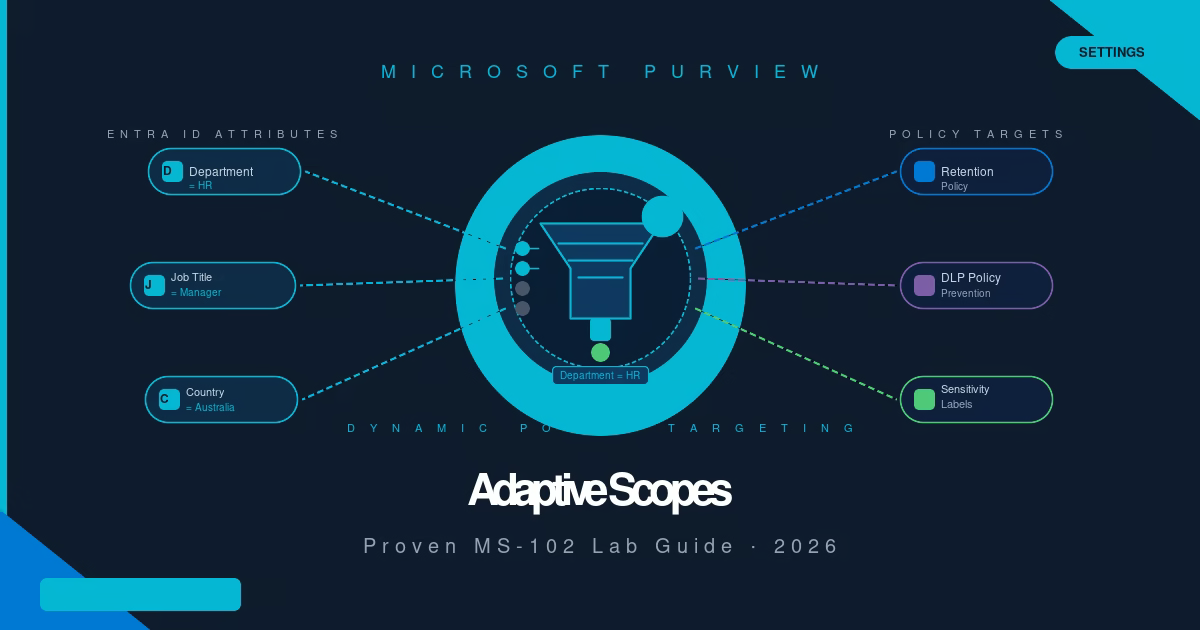
Every time someone joins or leaves your HR department, a static retention policy silently stops protecting them unless an admin remembers to update the list manually. Microsoft Purview adaptive scopes fix that. In this guide, you’ll create a Microsoft Purview adaptive scope that dynamically targets users based on their Microsoft Entra ID department attribute, with ...
Read the full article Microsoft Purview DLP Alerts: Proven MS-102 Lab (2026)
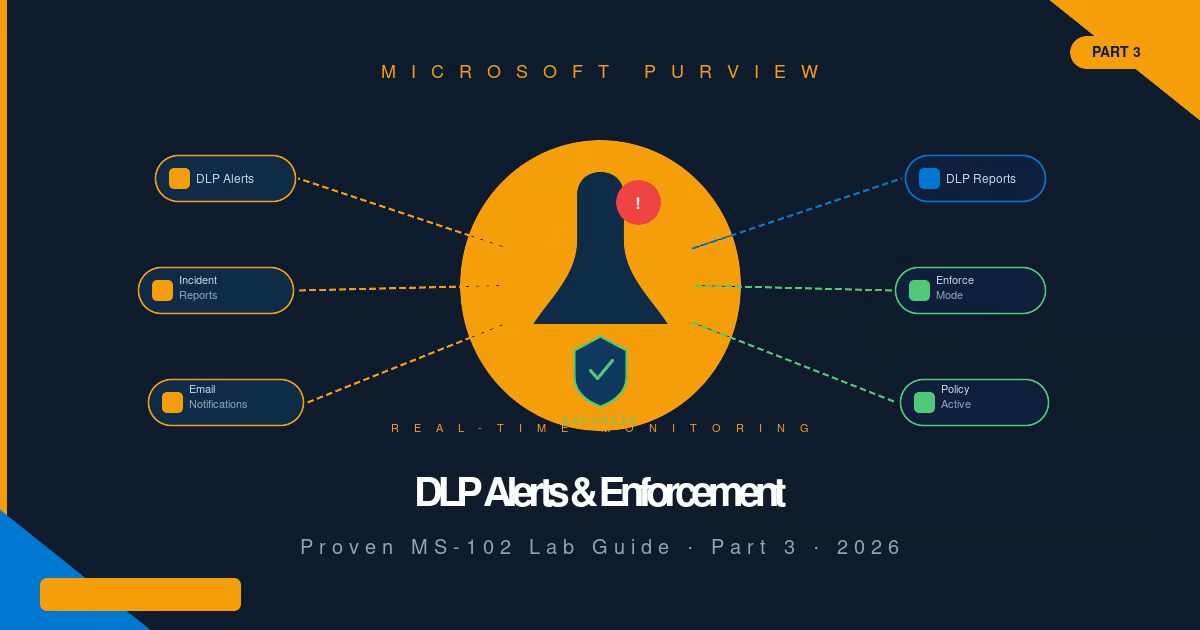
Most DLP policies run silently for weeks after deployment, and admins only discover misconfigurations when a user escalates a blocked email. Microsoft Purview DLP Alerts fix that. This lab originally covered alert configuration, DLP Reports, and switching from Simulation to Enforce mode for cloud workloads. It now also covers monitoring Endpoint DLP, reviewing endpoint events ...
Read the full article Custom Sensitive Information Types: Proven MS-102 Lab (2026)
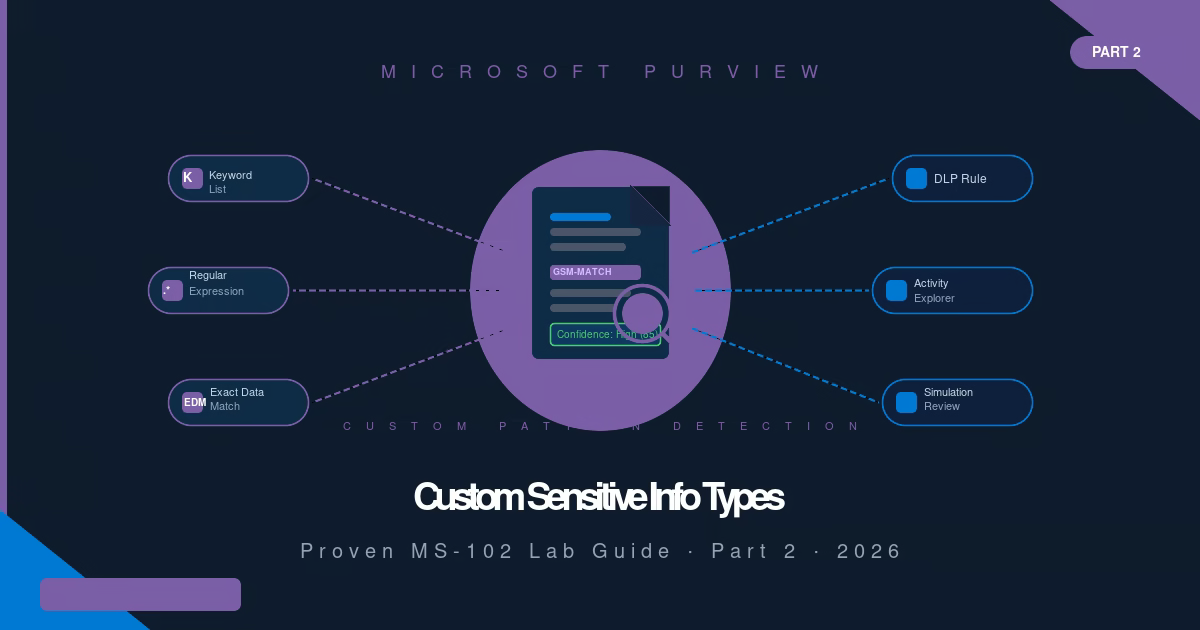
Microsoft provides 327 built-in Sensitive Information Types, but none of them know what a GSM number, internal project code, or your organization’s proprietary data format looks like. That’s where custom Sensitive Information Types come in. This lab originally covered custom SIT creation and cloud-workload detection through Activity Explorer. It now also covers Endpoint DLP, extending ...
Read the full article Microsoft Purview DLP: Proven MS-102 Lab Guide (2026)
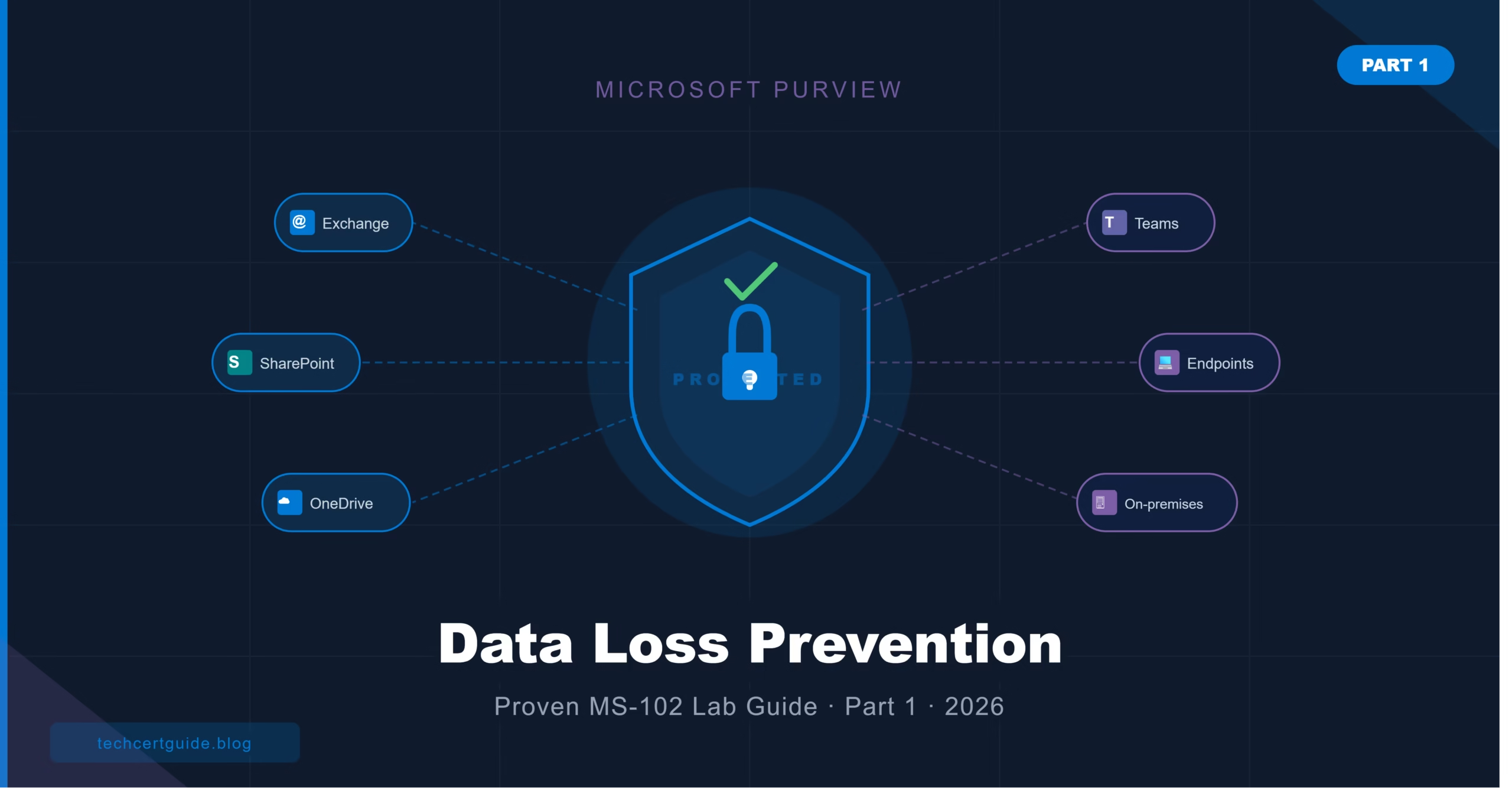
Your organization’s finance team just emailed a spreadsheet containing 400 credit card numbers to an external vendor, and nobody noticed. Without DLP, that kind of leak is invisible until it becomes a headline. In this guide, Part 1 of a 3-part Microsoft Purview DLP series, you’ll learn: Series navigation: Part 1 You are here: Create ...
Read the full article eDiscovery in Microsoft Purview: Free MS-102 Lab Guide (2026)
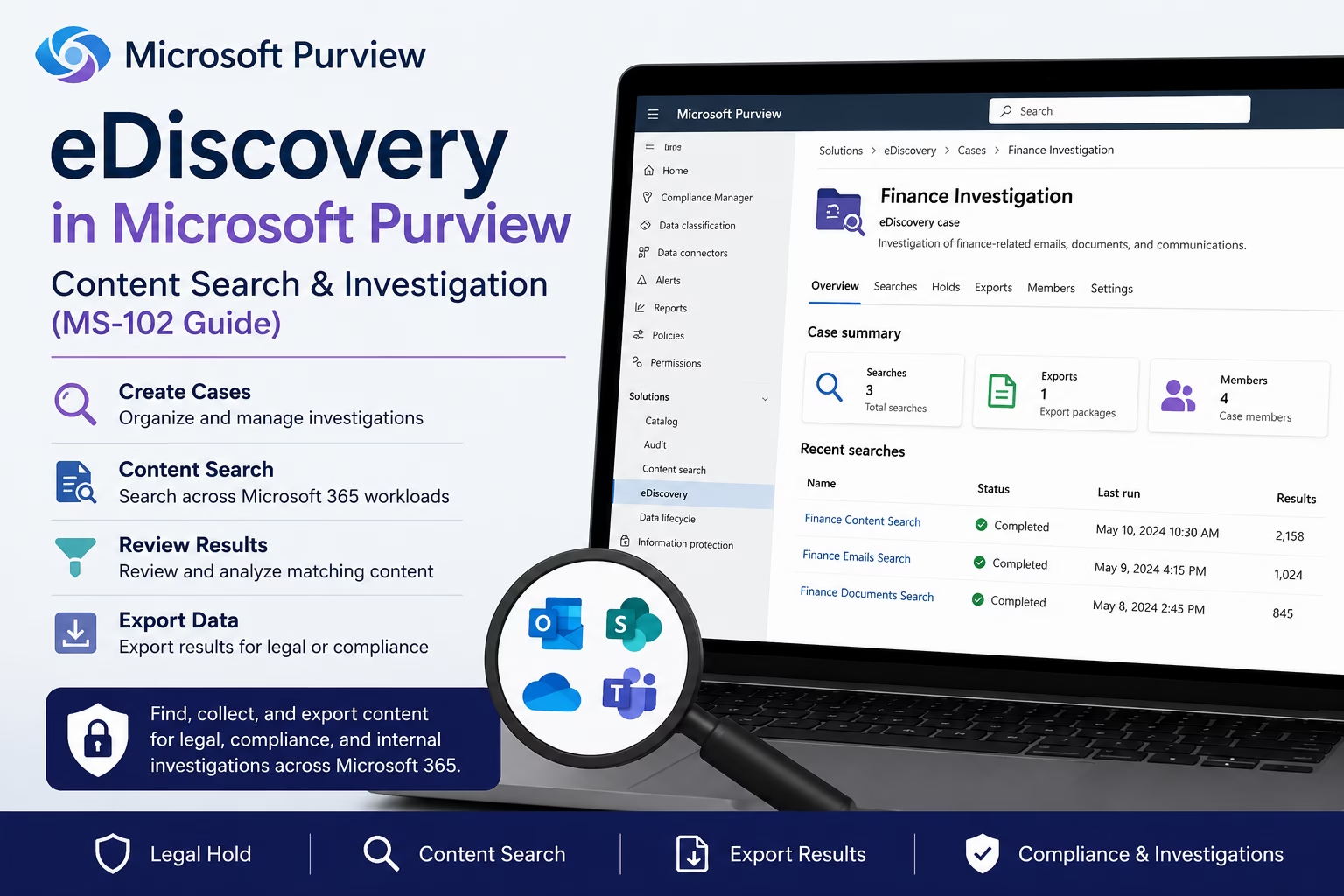
Learning Objectives After completing this guide, you will be able to: Introduction Your legal team just requested every email and document related to a finance investigation — and you have 48 hours to respond. This is exactly what eDiscovery in Microsoft Purview is built for. Instead of manually digging through Exchange, SharePoint, Teams, and OneDrive ...
Read the full article Ultimate Microsoft Purview Audit: Monitor User and Administrator Activities (MS-102 Guide)
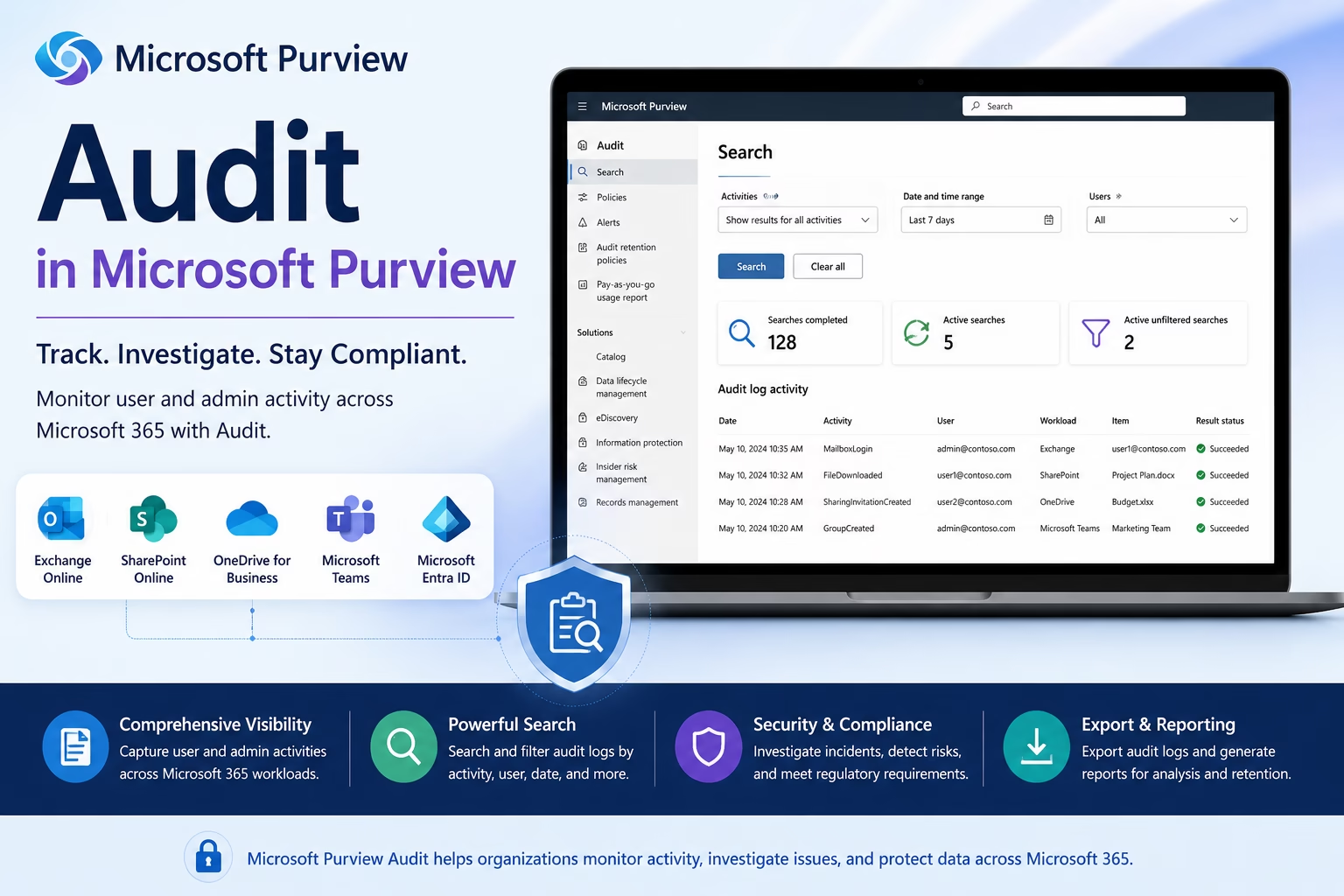
Learning Objectives After completing this guide, you will be able to: Introduction Microsoft Purview Audit helps organizations track and investigate user and administrator activities across Microsoft 365 services. Every action performed in Exchange Online, SharePoint Online, OneDrive, Microsoft Teams, and Microsoft Entra ID generates audit records that can be searched and analyzed for security, compliance, ...
Read the full article Ultimate Records Management in Microsoft Purview: Record Labels & Compliance (MS-102 Guide)
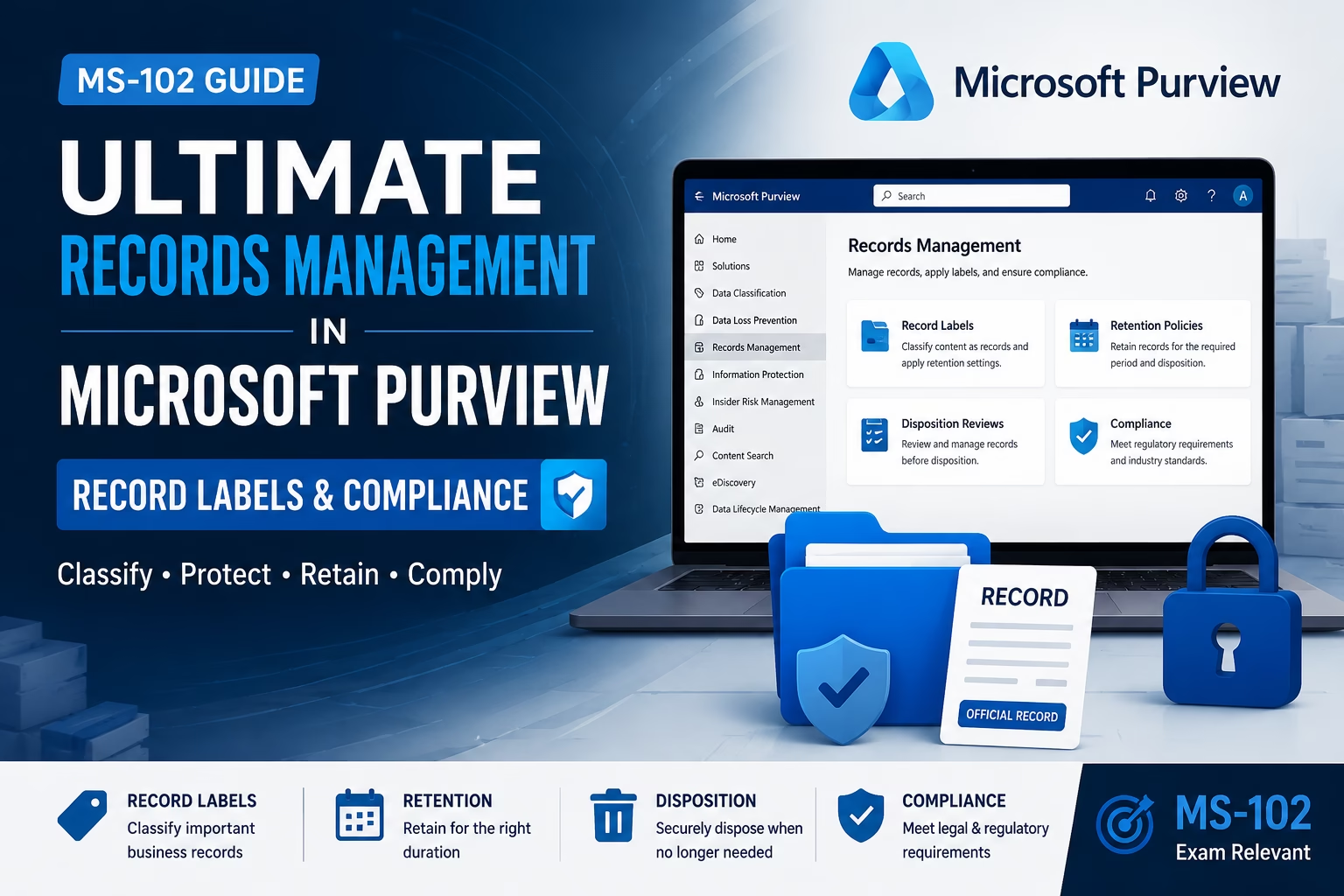
Learning Objectives After completing this guide, you will be able to: Introduction Records Management in Microsoft Purview helps organizations manage important business records throughout their lifecycle. While Retention Policies and Retention Labels control how long content is retained, Records Management adds additional controls to protect, govern, and dispose of records in a compliant manner. Organizations ...
Read the full article Powerful Retention Labels in Microsoft Purview: Records Management (MS-102 Lab Guide)
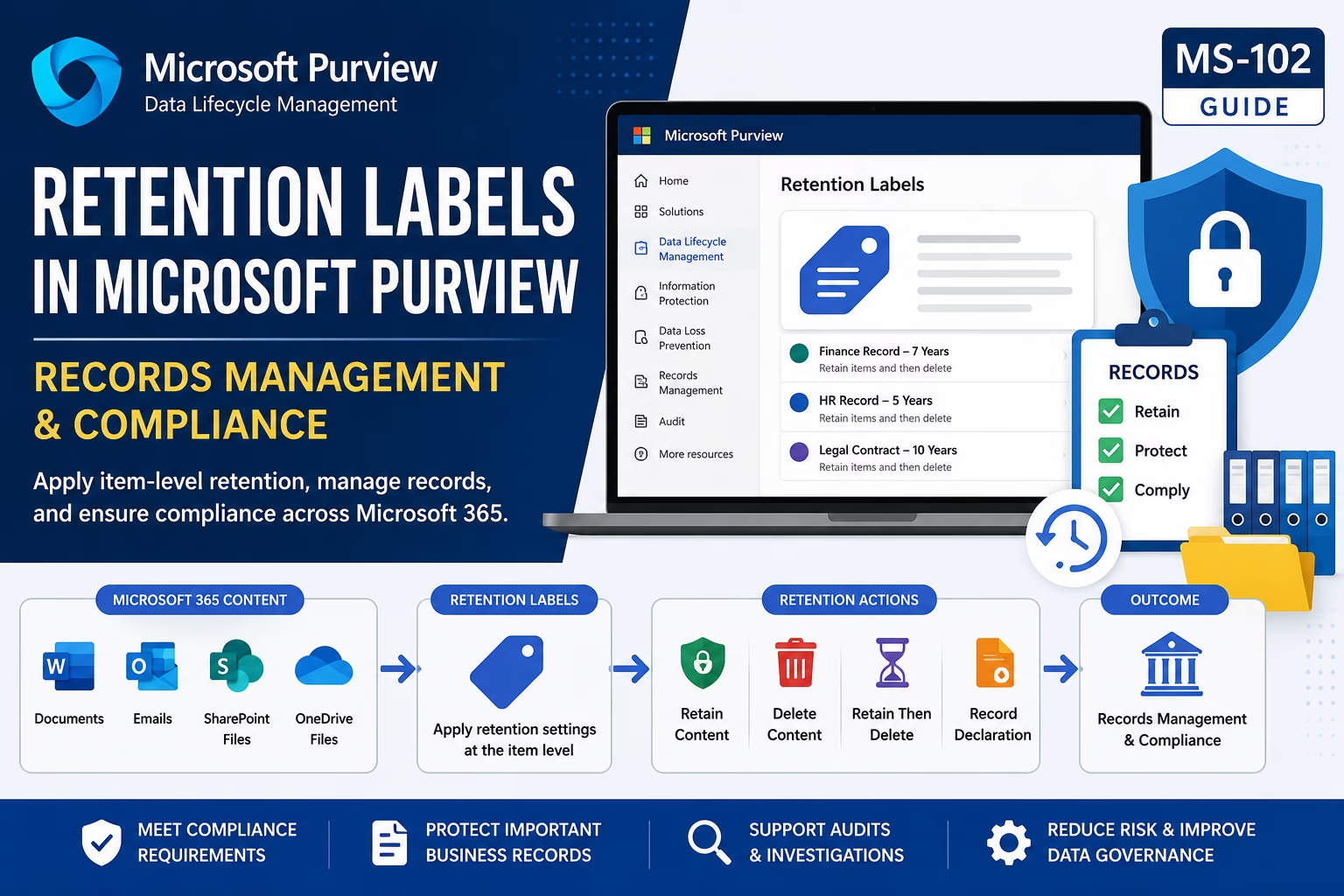
Retention Labels in Microsoft Purview help organizations apply item-level retention settings to documents, emails, SharePoint files, and OneDrive content. Unlike retention policies, retention labels provide granular control over how specific content is retained, deleted, declared as records, and managed throughout its lifecycle. Understanding Retention Labels in Microsoft Purview is essential for Microsoft 365 administrators preparing ...
Read the full article Ultimate Retention Policies in Microsoft Purview: Data Lifecycle Management (MS-102 Guide)
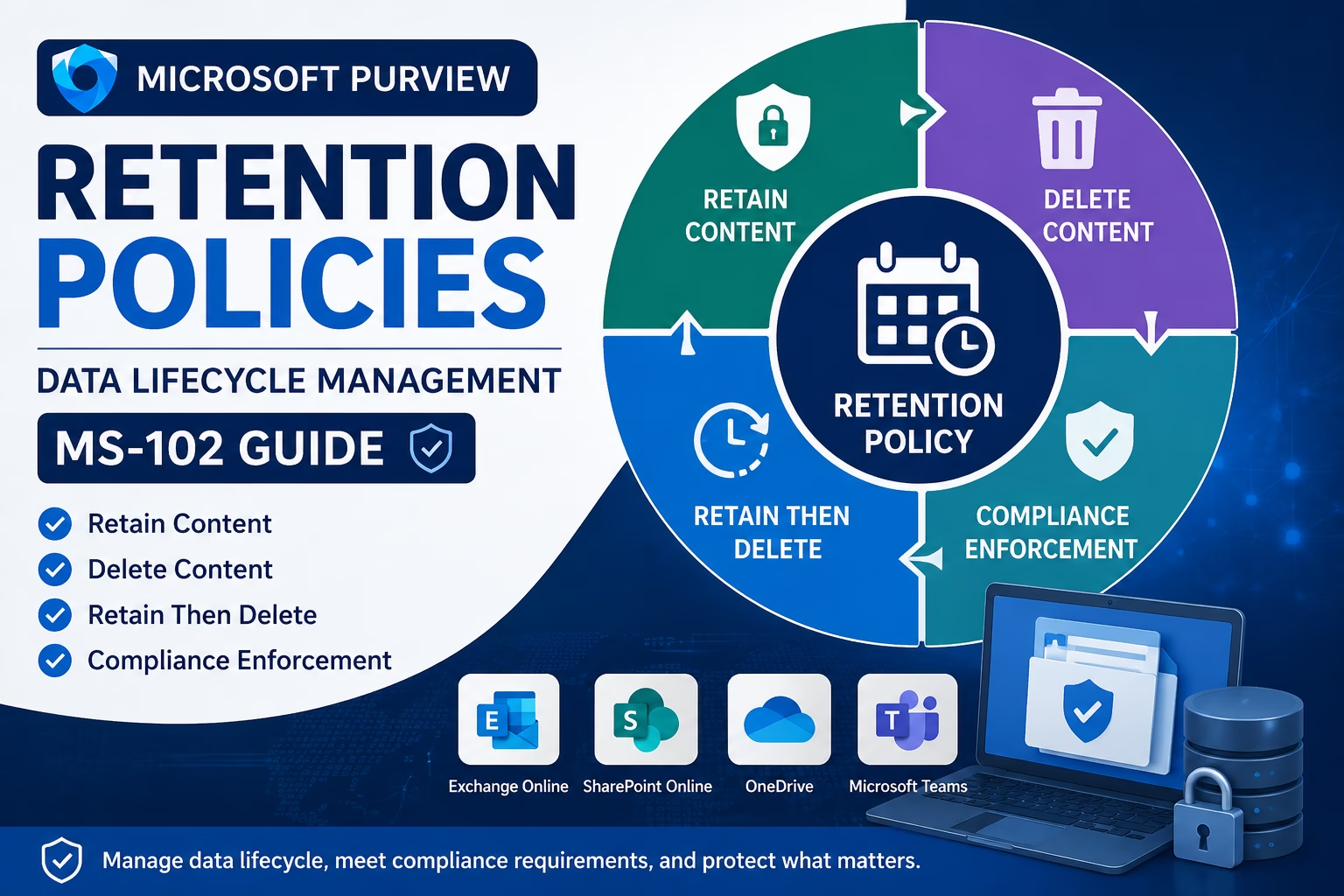
Organizations must manage data throughout its lifecycle. Simply protecting information is not enough; organizations must also determine how long data should be retained and when it can be deleted. Retention Policies in Microsoft Purview help organizations manage data retention requirements across Microsoft 365 workloads while supporting legal, regulatory, and business compliance obligations. For Microsoft 365 ...
Read the full article Powerful Automatic Sensitivity Labels in Microsoft Purview (MS-102 Guide)
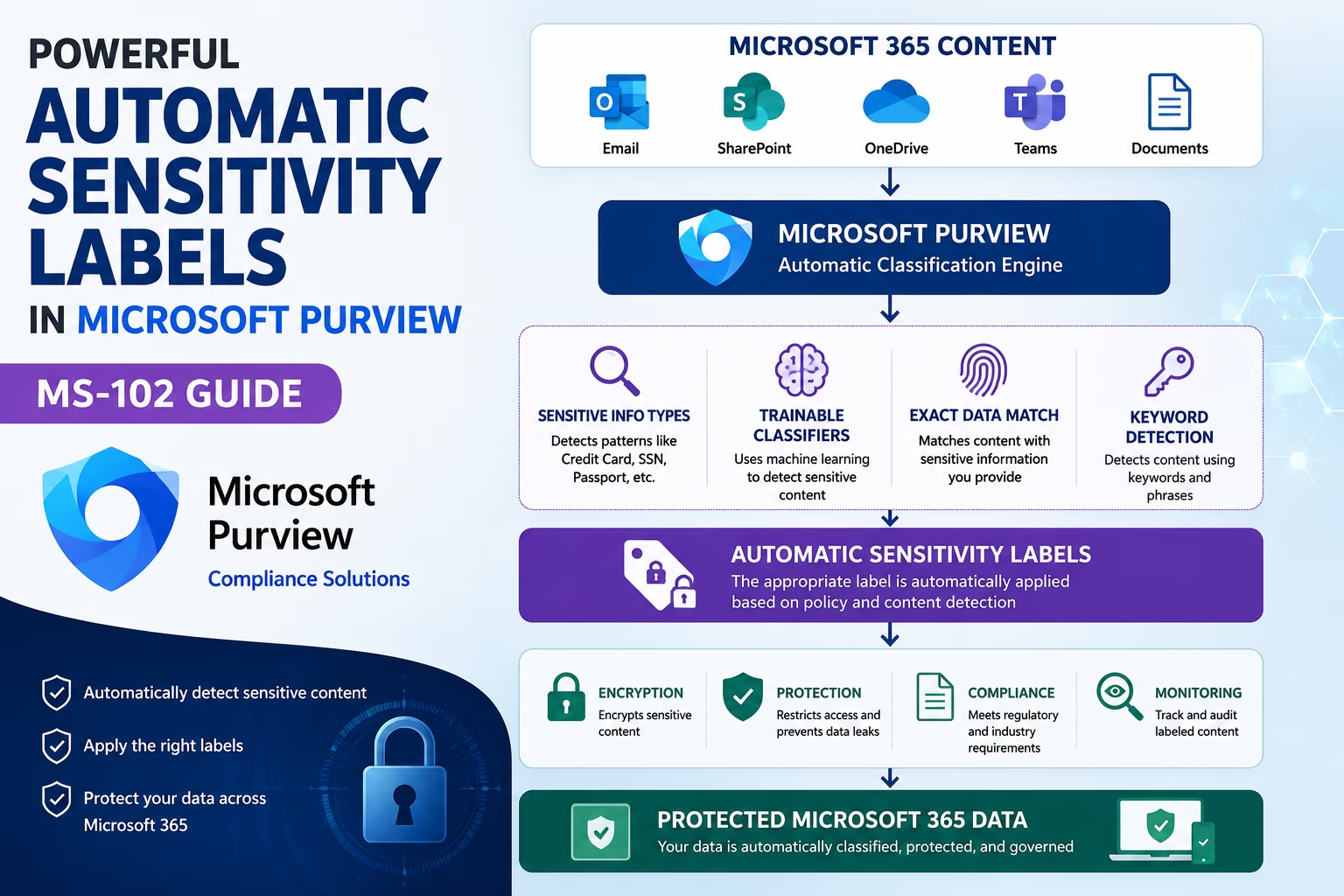
As organizations generate massive amounts of data across Microsoft 365, relying solely on users to manually classify information becomes difficult. Employees may forget to apply sensitivity labels, resulting in confidential documents and emails being left unprotected. Automatic Sensitivity Labels in Microsoft Purview help organizations automatically detect sensitive information and apply protection policies without user intervention. ...
Read the full article