Secure Passwordless Authentication in Microsoft Entra ID: A Complete MS-102 Guide
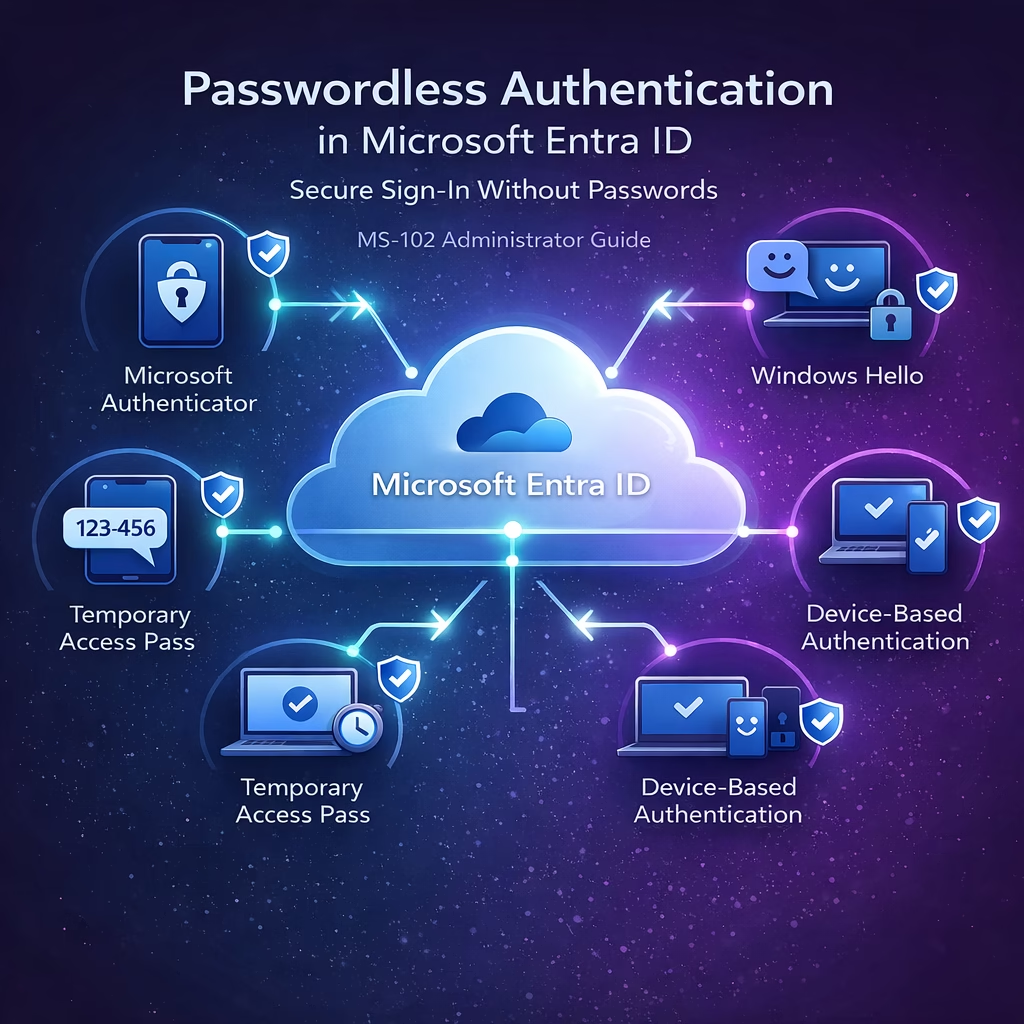
Passwords have long been one of the weakest points in identity security. Users reuse passwords, create weak passwords, or fall victim to phishing attacks. To address these risks, Microsoft Entra ID supports passwordless authentication, allowing users to sign in without entering a traditional password. Instead of passwords, authentication relies on secure verification methods such as ...
Read the full article Microsoft Entra Authentication Methods: Essential MS-102 Administrator Guide (2026 Updated)
Introduction Authentication methods in Microsoft Entra ID determine how users verify their identity when signing in to Microsoft 365 services. These methods are critical for implementing strong identity protection, enabling multi-factor authentication (MFA), and supporting modern passwordless authentication. For Microsoft 365 administrators and MS-102 certification candidates, understanding how authentication methods are configured is essential for ...
Read the full article SSPR in Microsoft Entra ID: The Essential and Powerful Guide for MS-102 Administrators
Master SSPR and Password Writeback for the MS-102 exam. Stop manual password resets and learn the exact configuration steps, hybrid requirements, and risk-based remediation tips every Entra ID Admin needs.
Read the full article MS-102 Study Guide: Mastering Microsoft Entra ID Identity Protection (2026)
Introduction The MS-102 exam doesn’t just test if you know where the buttons are; it tests if you can defend an enterprise identity in real-time. Static security policies aren’t enough anymore. Hackers are using sophisticated password sprays and token replays that bypass basic MFA. As an MS-102 administrator, your job is to move beyond “check-the-box” ...
Read the full article Conditional Access in Microsoft Entra ID: The Essential Security Strategy for MS-102 Administrators
Conditional Access in Microsoft Entra ID is the engine that enforces modern identity security in Microsoft 365. While Multi-Factor Authentication protects accounts, Conditional Access decides when, where, and under what conditions access is granted. For the MS-102 Microsoft 365 Administrator exam, you must understand: Conditional Access is not optional in modern tenants — it is ...
Read the full article Multi-Factor Authentication (MFA) in Microsoft Entra ID: The Essential Security Guide for MS-102 Administrators
Multi-Factor Authentication (MFA) in Microsoft Entra ID is one of the most important security controls in Microsoft 365. Modern attacks rarely break encryption — they compromise credentials. For the MS-102 Microsoft 365 Administrator exam, you must understand: This guide walks through MFA clearly and practically. What Is Authentication? Authentication is the process of verifying a ...
Read the full article Managing Users in Microsoft Entra ID: The Essential Guide for Confident MS-102 Administrators
Managing users in Microsoft Entra ID is one of the core responsibilities of a Microsoft 365 administrator. Every identity in your tenant — whether cloud-only, hybrid, or guest — must be created, secured, licensed, monitored, and eventually removed properly. Managing Users in Microsoft Entra ID ensures that all users are accounted for and managed effectively. ...
Read the full article Microsoft Entra ID Explained: The Essential Foundation for Confident MS-102 Administrators
Microsoft Entra ID is the identity foundation of every Microsoft 365 tenant. Every login, every authentication request, every Conditional Access policy, and every administrative permission flows through Entra ID. For the MS-102 Microsoft 365 Administrator exam, understanding Entra ID is not optional it is central to the role. Before configuring MFA, Conditional Access, or Identity ...
Read the full article Microsoft 365 Tenant Health Monitoring: The Essential Guide for Confident MS-102 Administrators
Microsoft 365 tenant health monitoring is how administrators move from reactive troubleshooting to proactive management. A tenant is not something you configure once and forget. It requires continuous monitoring. For the MS-102 Microsoft 365 Administrator exam, you must understand how to: In real environments, this is what separates a junior admin from a responsible platform ...
Read the full article Microsoft 365 Admin Roles Explained: The Essential Guide for Confident MS-102 Administrators
Microsoft 365 Admin Roles define who can manage what inside your tenant. Without proper role assignment, your environment either becomes insecure (too many Global Admins) or inefficient (admins unable to perform tasks). For the MS-102 Microsoft 365 Administrator exam, understanding admin roles is critical. But in real-world environments, it is even more important. Role-based access ...
Read the full article 






