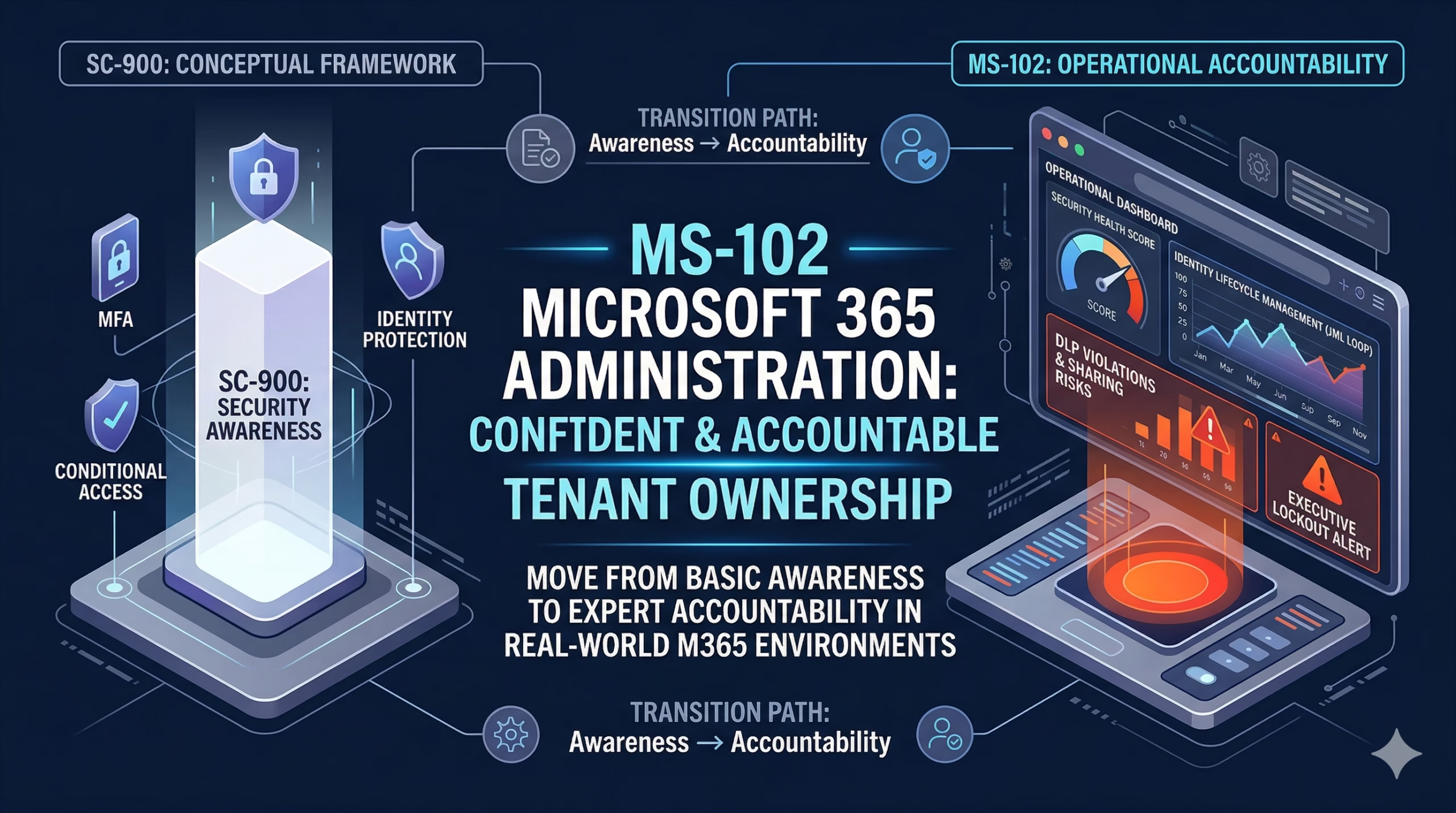
A practical, real-world guide to becoming a confident Microsoft 365 Administrator
Almost every modern organization depends critically on Microsoft 365. Email, collaboration, and identity are no longer just ‘apps’; they are the digital nervous system of the business. When an admin fails to secure identity, the entire organization is one phishing email away from a total data breach.
Behind all of this is MS-102 Microsoft 365 administration. It’s no longer just about creating mailboxes or resetting passwords. Administrators are expected to enforce aggressive identity governance to stop account takeovers before they happen, protect organizational data, control access, meet compliance requirements, and keep collaboration services running smoothly at scale.
That’s where MS-102 comes in.
This series is designed to help you understand not just what to configure in Microsoft 365, but why those configurations matter in real enterprise environments.
What is MS-102 Microsoft 365 administration?
MS-102 Microsoft 365 Administrator is Microsoft’s core certification exam for professionals who manage an organization’s Microsoft 365 environment.
It validates your ability to deploy, secure, manage, and troubleshoot the most critical Microsoft cloud services, including:
- Microsoft Entra ID (formerly Azure AD)
- Exchange Online
- SharePoint Online
- OneDrive for Business
- Microsoft Teams
- Security, compliance, identity, and governance features
- Microsoft 365 Apps deployment, updates, and configuration
Unlike many certifications that focus on a single product, MS-102 Microsoft 365 Administrator covers the entire tenant lifecycle. The exam is built around real administrative tasks you perform in medium and enterprise environments, making it one of the most practical certifications in the Microsoft ecosystem.
If you are responsible for keeping users productive and data secure in Microsoft 365, MS-102 reflects your actual job.
Why MS-102 Microsoft 365 Administration Matters for Your Career
It demands absolute mastery over the entire tenant, where a single misconfigured ‘Global Admin’ role is a ticking time bomb:
In real organizations, services don’t exist in isolation. MS-102 Microsoft 365 administration trains you to think holistically across:
- Identity and access management
- Device and application administration
- Security and threat protection
- Collaboration workloads such as Exchange, SharePoint, and Teams
You learn how these components interact and how one misconfiguration can impact the entire environment.
It Reflects Real Workplace Responsibilities:
Most organizations expect Microsoft 365 administrators to:
- Manage users, groups, roles, and licenses
- Secure identities with MFA and Conditional Access
- Apply compliance and data protection policies
- Govern sharing and collaboration
- Troubleshoot authentication, mail flow, and service issues
As a Pillar Certification, MS-102 is structured around M365 Admin responsibilities that actually happen in the field, like mitigating executive lockout risks and auditing shadow IT.
It builds a hands-on cloud experience:
MS-102 Microsoft 365 Administration introduces and reinforces critical cloud administration concepts, including:
- Tenant architecture and design
- Licensing models and service plans
- Hybrid identity scenarios
- Conditional Access fundamentals
- Improving security posture using built-in tools
These skills are essential whether you are fully cloud-based or transitioning from on-premises environments.
It Is a Foundation for Advanced Roles:
MS-102 is often the baseline certification before moving into deeper specializations, such as:
- Identity and Access Administration
- Security Operations and Threat Detection
- Teams and Collaboration Administration
Many security-focused roles expect a solid understanding of Microsoft 365 administration before moving into advanced tooling.
It Opens Better Job Opportunities:
Roles that commonly value MS-102 include:
- Microsoft 365 Administrator
- Cloud Systems Engineer
- Identity Administrator
- IT Support Engineer (cloud-focused)
- Security Analyst working with the Microsoft 365 security stack
For professionals moving into cloud-first roles, MS-102 is a strong career signal.
What This MS-102 Series Will Cover
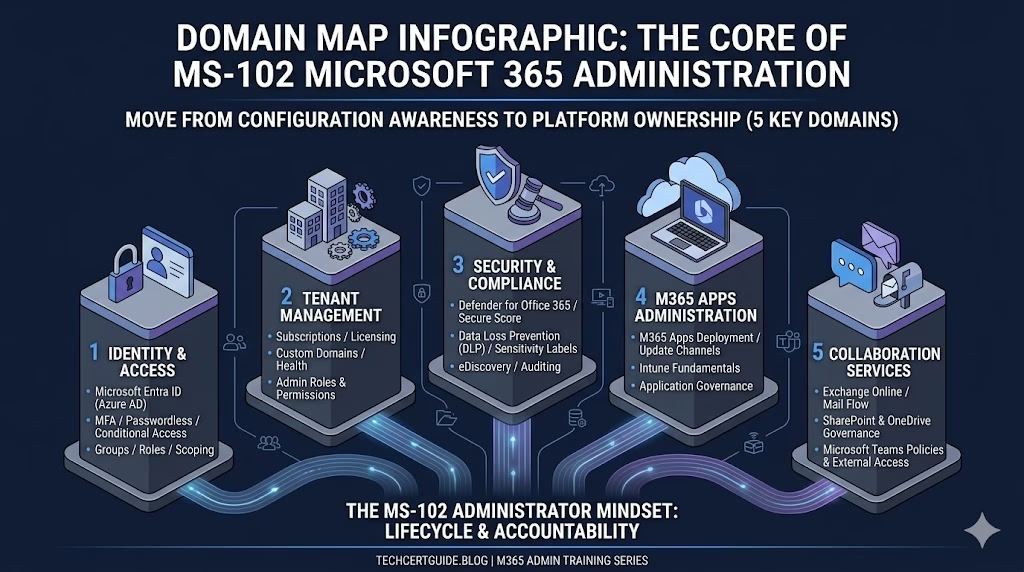
This blog series follows a structured, syllabus-driven approach aligned with the MS-102 exam and real-world administration needs. To help you master the syllabus, this guide to MS-102 Microsoft 365 Administration is broken down into five core technical domains.
Identity & Access Management (Microsoft Entra ID):
- User, group, and role management
- Identity protection concepts
- Passwordless authentication and MFA
- Conditional Access fundamentals
- Hybrid identity and Entra Connect basics
Microsoft 365 Tenant & Service Management:
- Subscription and license management
- Organizational configuration settings
- Custom domain management
- Service health monitoring
- Admin roles and permissions
Microsoft 365 Applications Administration:
- Microsoft 365 Apps deployment strategies
- Office update channels and controls
- Security baselines
- Intune fundamentals for app management
Security & Compliance:
- Data Loss Prevention (DLP)
- Information protection and sensitivity labels
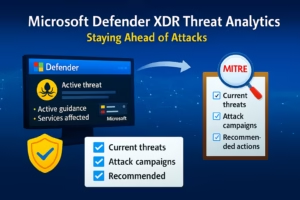
- Defender for Office 365
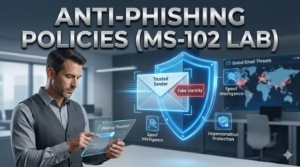
- Email anti-malware and anti-spam policies
- Secure Score and identity security insights
- Content search, auditing, and eDiscovery
Collaboration Services:
Exchange Online
- Mail flow and transport rules
- Protection policies
- Mailbox permissions and migrations
SharePoint Online & OneDrive
- Site and storage management
- Sharing and access controls
- Data governance and lifecycle policies
Microsoft Teams
- External and guest access
- Messaging and meeting policies
- App permissions and governance
Learning Goals for This Series
By the end of this MS-102 learning series, you will be able to:
- Understand how Microsoft 365 architecture works at a tenant level
- Create and manage users, groups, licenses, and administrative roles
- Configure MFA, Conditional Access, and secure sign-in policies
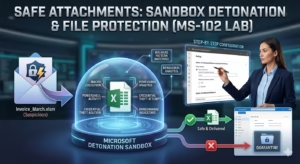
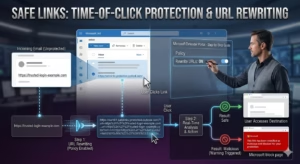
- Implement security controls such as DLP, Safe Links, and Safe Attachments
- Use Microsoft Defender and the Compliance portal effectively
- Monitor, identify, and troubleshoot common service issues
- Prepare confidently for the MS-102 exam using practical, hands-on scenarios
The focus is not just passing the exam, but becoming comfortable managing a real Microsoft 365 environment.
Who This Series Is For
This series is designed for:
- Beginners entering Microsoft 365 administration
- IT support engineers transitioning to cloud roles
- System administrators moving from on-premises to Microsoft 365
- Security professionals working with Microsoft 365 workloads
- Anyone preparing seriously for the MS-102 exam
No deep Azure or prior cloud experience is required. A basic understanding of IT concepts—users, networking, authentication, and security—is enough to get started.
What to Expect Next
In the upcoming chapters, we will break down each MS-102 domain step by step, with:
- Clear explanations of concepts
- Real-world administrative examples
- Practical configuration guidance
- Common mistakes and troubleshooting tips
- Exam-focused insights without shortcuts
If your goal is to become a confident Microsoft 365 Administrator—not just someone who memorizes exam questions this series is built for you.
Follow along, practice consistently, and you’ll build skills that last well beyond the MS-102 certification.
Final Thought: From Awareness to Accountability
SC-900 teaches awareness.
MS-102 teaches accountability.
SC-900 helps you understand what Microsoft security, compliance, and identity services are and why they matter. MS-102 goes a step further; it expects you to own the configuration, lifecycle, and impact of those services in a real tenant.
The moment you start thinking in lifecycle terms, from identity creation to access control, security enforcement, monitoring, and troubleshooting, you stop being a feature-level administrator and start becoming a platform owner.
That mindset shift is what this MS-102 series is designed to build.
Essential Resources & Next Steps
To help you succeed, use these resources alongside this MS-102 Microsoft 365 Administration series:
- Official Microsoft Blueprint: Stay updated with the latest exam objectives on the Microsoft Learn MS-102 Documentation. This series is designed to complement those technical paths with real-world admin context.
- The Foundation (SC-900): If you are new to the platform, build a stronger foundation by reading our Detailed Guide on SC-900: Microsoft Security, Compliance, and Identity Fundamentals.
- The Admin Mindset: If you haven’t already, read our 5-part series on the SC-900 to MS-102 Transition: Moving from Security Theory to Admin Reality.