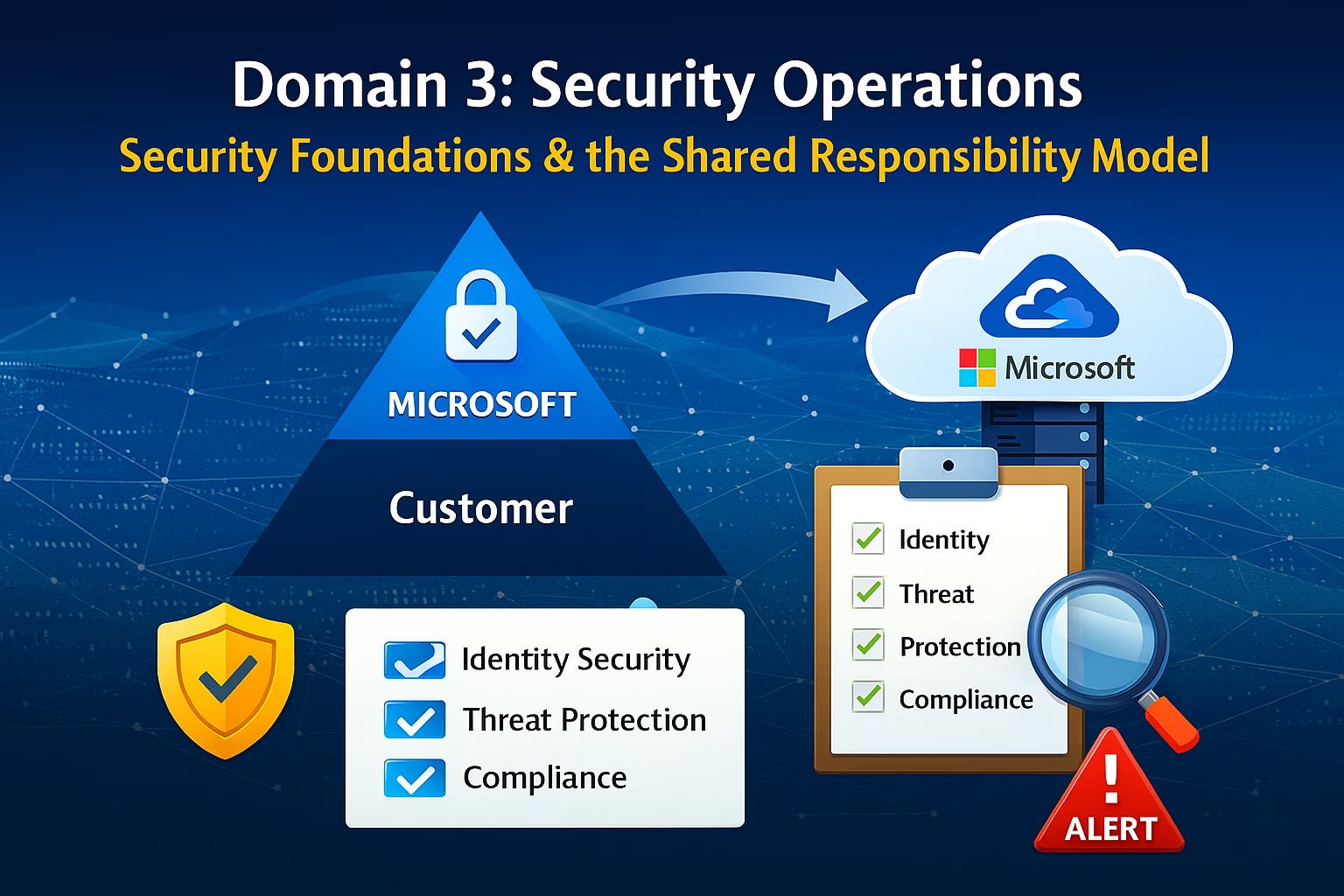
Establishing robust Microsoft 365 Security Foundations is no longer optional for the modern enterprise. As we transition into Domain 3, we move away from simple tenant configuration and into the proactive defense of the environment.
Domain 3 marks a fundamental shift in mindset.
This is where Microsoft 365 administration moves from enablement to protection.
Before configuring Microsoft Defender, investigating alerts, or responding to incidents, every administrator must understand how Microsoft 365 Security Foundations actually works and who is responsible for what. Without this foundation, security tools are misconfigured, alerts are misunderstood, and incidents are handled improperly.
This post introduces the Microsoft 365 security architecture and the Shared Responsibility Model, forming the foundation for everything that follows in Domain 3.
Learning Objectives
After completing this guide, you will be able to:
- Explain the Microsoft 365 Shared Responsibility Model.
- Describe how Microsoft 365 security is built on integrated services.
- Identify the conceptual role of Microsoft Defender XDR.
- Differentiate security operations from security configuration.
Why Security Requires a Different Way of Thinking
At the heart of Microsoft 365 Security Foundations is the concept of signal processing. In Domains 1 and 2, we configured the plumbing—users, groups, and sync. In Domain 3, we analyze the water flowing through those pipes. Every sign-in attempt, every email received, and every document accessed generates a signal. A solid security foundation relies on Microsoft Defender XDR to correlate these billions of signals into a handful of actionable incidents, allowing you to focus on threats rather than noise.
Many administrators assume that because Microsoft 365 is a cloud service, security is largely “handled by Microsoft.” This assumption is one of the most common and most dangerous misunderstandings in cloud administration.
Microsoft provides:
- Highly secure datacenters
- Service availability
- Platform resilience
- Built‑in security capabilities
But Microsoft does not automatically secure your tenant.
Security in Microsoft 365 is a shared responsibility, and the administrator owns a significant portion of it.
Domain 3 exists to ensure that MS‑102 administrators understand:
- What Microsoft protects by default
- What administrators must configure
- How threats are detected and investigated
- How incidents are contained and resolved
The Microsoft 365 Shared Responsibility Model Explained
While we’ve previously covered the Microsoft 365 Shared Responsibility Model, this post focuses on the operational foundation required for Domain 3.
The Shared Responsibility Model defines who is responsible for each layer of security.
Microsoft Is Responsible For:
- Physical datacenter security
- Global infrastructure
- Service uptime and redundancy
- Core platform patching
- Availability of security tools
Administrators Are Responsible For:
- Identity configuration
- Authentication strength
- Access controls
- Email protection policies
- Endpoint security decisions
- Data protection rules
- Incident response actions
👉 Microsoft provides the tools. Admins decide how effectively they are used.
This distinction is critical for MS‑102 and for real‑world operations.
Microsoft 365 Security Is Built on Integrated Services
Microsoft 365 security is not a single product. It is a connected ecosystem of services designed to detect threats across identities, email, endpoints, and cloud workloads.
At the center of this ecosystem is Microsoft Defender XDR.
Defender XDR unifies signals from:
- Exchange Online
- Microsoft Entra ID
- Endpoints
- On‑premises identity
- Cloud applications
Rather than investigating isolated alerts, administrators work with correlated incidents that show the full attack story.
This integrated approach is what distinguishes Microsoft 365 security from traditional siloed security tools.
Introducing Microsoft Defender XDR (Conceptual Overview)
Microsoft Defender XDR is the security operations platform for Microsoft 365.
It provides:
- Centralized alert visibility
- Incident correlation
- Automated investigation
- Response actions
- Threat intelligence context
Defender XDR does not replace administrative controls—it acts on signals generated by your configurations.
If identity controls are weak, Defender will detect more identity‑based attacks. If email policies are strong, fewer threats reach users. If automation is enabled, the response is faster and more consistent.
The strength of your Microsoft 365 Security Foundations lies in the telemetry shared between identity, email, and endpoints. When these foundations are correctly aligned, Microsoft Defender XDR can correlate signals more effectively, reducing the ‘Time to Acknowledge’ for critical incidents.
Understanding this cause‑and‑effect relationship is a core Domain 3 skill.
Security Operations vs Configuration
A key shift in Domain 3 is moving from configuration tasks to operational security work.
Configuration‑Focused Mindset (Domains 1 & 2)
- Create policies
- Assign licenses
- Enable features
- Set defaults
Security Operations Mindset (Domain 3)
- Monitor signals
- Analyze alerts
- Investigate incidents
- Take containment actions
- Review impact
- Improve posture over time
MS‑102 evaluates your ability to think like a security operator, not just a tenant administrator.
Security Posture and Continuous Improvement
One of the most important Microsoft 365 Security Foundations to master for the MS-102 is the distinction between Posture and Compliance. Security Posture is your current technical strength (measured by Secure Score). Security Compliance is your ability to prove you are following specific regulatory rules (measured by Microsoft Purview). As an administrator, your daily foundation is built on improving your posture to reduce the attack surface while using compliance tools to ensure data remains governed and protected throughout its lifecycle.
Security in Microsoft 365 is not a one‑time setup.
Threats change constantly:
- New phishing techniques
- Review Microsoft 365 Security Foundations regularly against the changing threat landscape.
- Token theft
- Identity compromise
- Business Email Compromise (BEC)
- Ransomware delivery via email
Microsoft provides continuous insights through:
- Secure Score
- Threat Analytics
- Alert trends
- Incident summaries
Administrators are expected to:
- Review security posture regularly
- Prioritize improvements
- Respond to emerging threats
This is why Secure Score and Threat Analytics appear early in Domain 3.
Where Domain 3 Fits in the MS‑102 Exam
Domain 3 focuses on:
- Security protection
- Threat detection
- Investigation and response
The exam does not test deep SOC skills, but it does expect administrators to understand the security lifecycle.
Typical MS‑102 scenarios include:
- Identifying suspicious sign‑in behavior
- Investigating phishing incidents
- Understanding how Defender correlates alerts
- Knowing which security control should be adjusted
This domain tests judgment, not memorization.
What Domain 3 Will Cover Next
With this foundation in place, the next posts in Domain 3 will cover:
- Microsoft Defender XDR Overview
Understanding the Defender security platform and data sources - Microsoft Secure Score
Measuring security posture and prioritizing improvements - Threat Analytics
Staying aware of active attack campaigns - Defender for Office 365
Protecting email using Safe Links, Safe Attachments, and anti‑phishing controls - Extended Protection
Identity and cloud app threat detection - Investigation & Response
Alerts, incidents, and automated investigation
Each topic builds on the security principles introduced here.
You cannot discuss Microsoft 365 Security Foundations without anchoring them in the Zero Trust architecture. For the MS-102, this means moving beyond the ‘Corporate Network’ mindset. Whether a user is in the office or at a coffee shop, your security foundation must ‘Verify Explicitly’ every request. This is the logic that powers every Defender policy and Conditional Access rule we will configure in the upcoming labs.
Key Takeaways
- Microsoft 365 Security Foundations follow a Shared Responsibility Model.
- Microsoft secures the platform, admins secure the tenant
- Security is operational, continuous, and integrated
- Microsoft Defender XDR is the central security platform
- Domain 3 focuses on detection, investigation, and response
- MS‑102 tests security reasoning, not just feature knowledge
Domain 3 Starts Here
Security tooling only works when responsibility is understood.
This foundation ensures that every Defender policy, alert, and incident you explore next is viewed in the right context, not as a checkbox, but as part of a security lifecycle.
Unlock your potential for the MS-102 by mastering these Microsoft 365 Security Foundations today. This is the bedrock upon which all your future security operations will stand.
What’s Next
➡️ Next Post:
Microsoft Defender XDR Overview: Security Architecture & Admin Responsibilities (MS‑102)
Previous Topic
If you haven’t explored it yet:
Mastering Microsoft Entra Connect Health & Troubleshooting Sync Issues in MS-102
https://techcertguide.blog/entra-connect-health-troubleshooting-guide
Start from the Beginning
MS-102 Microsoft 365 Administrator Overview
https://techcertguide.blog/ms-102-microsoft-365-administration
Official Microsoft Reference
https://learn.microsoft.com/en-us/certifications/exams/ms-102
1 thought on “The Essential Microsoft 365 Security Foundations: Unlock Your Potential for MS-102”